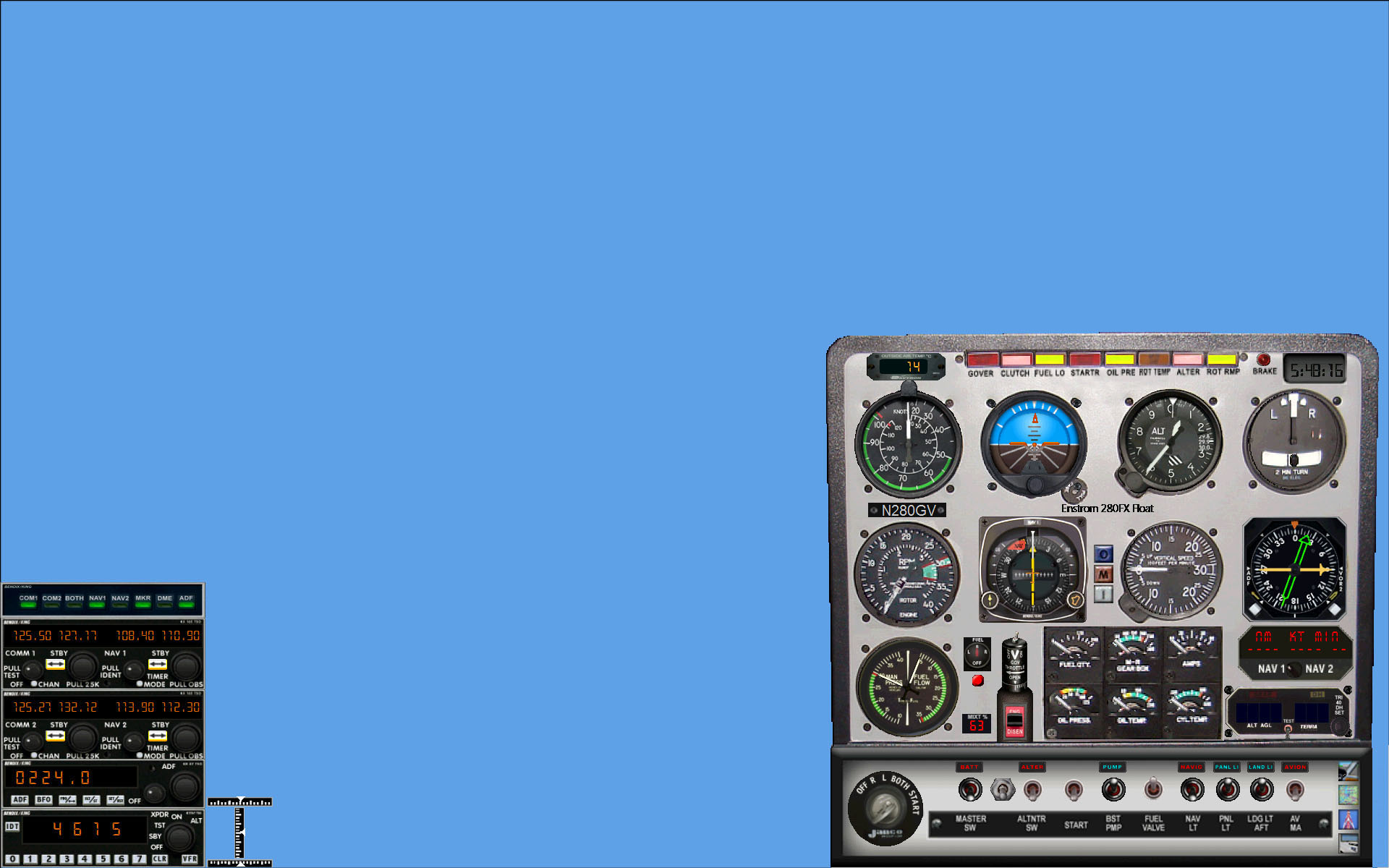
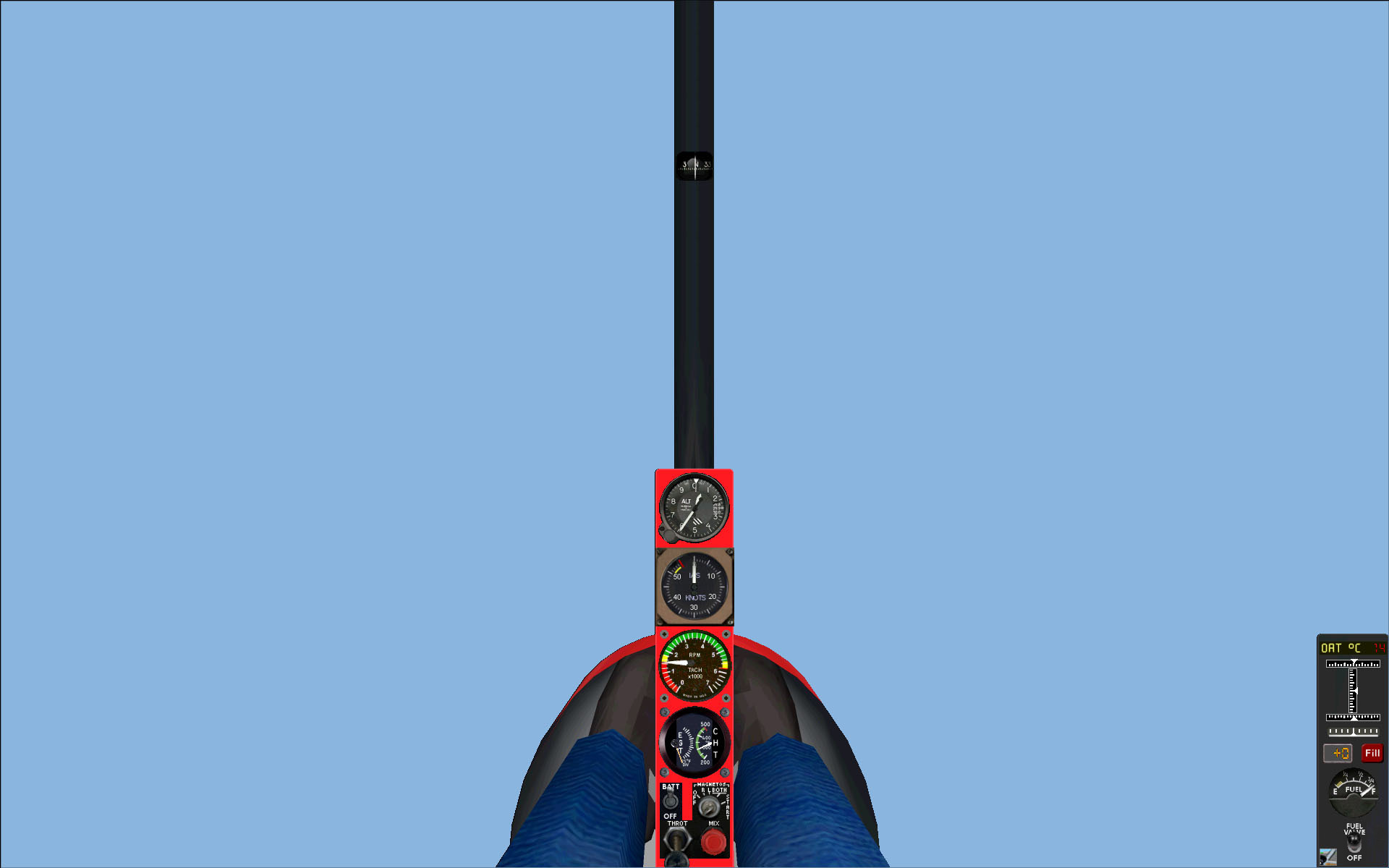
Cloudy's Rational Panels for FS2004

Are you, like me, annoyed by
       • having to press Shift-2, Shift 3 etc. just to get things you need at all times like throttles and switches?
       • watching how they overlap your main panel and/or the external scenery view?
       • alternatively using the few default IFR panels which leave no external view at all?
       • downloading all-in-one-photographic panels just to find: a) that many gauges are illegible?
         b) that many authors are happy to add profusion of modern gauges into early aircraft and viceversa?
         c) that they are very heavy in frame rates? The more a panel departs from a rectangular shape,
         the larger the rectangular scenery window behind it, thus the lower the frame rates!

When I upgraded to FS2004, I was appalled to find the above situation. I thought "Nah!, somebody surely's done it and they're available on the web", so I was surprised to find 39 Cessna panels in Flightsim.com, and a few elsewhere, none of which fulfilled the above desiderata!

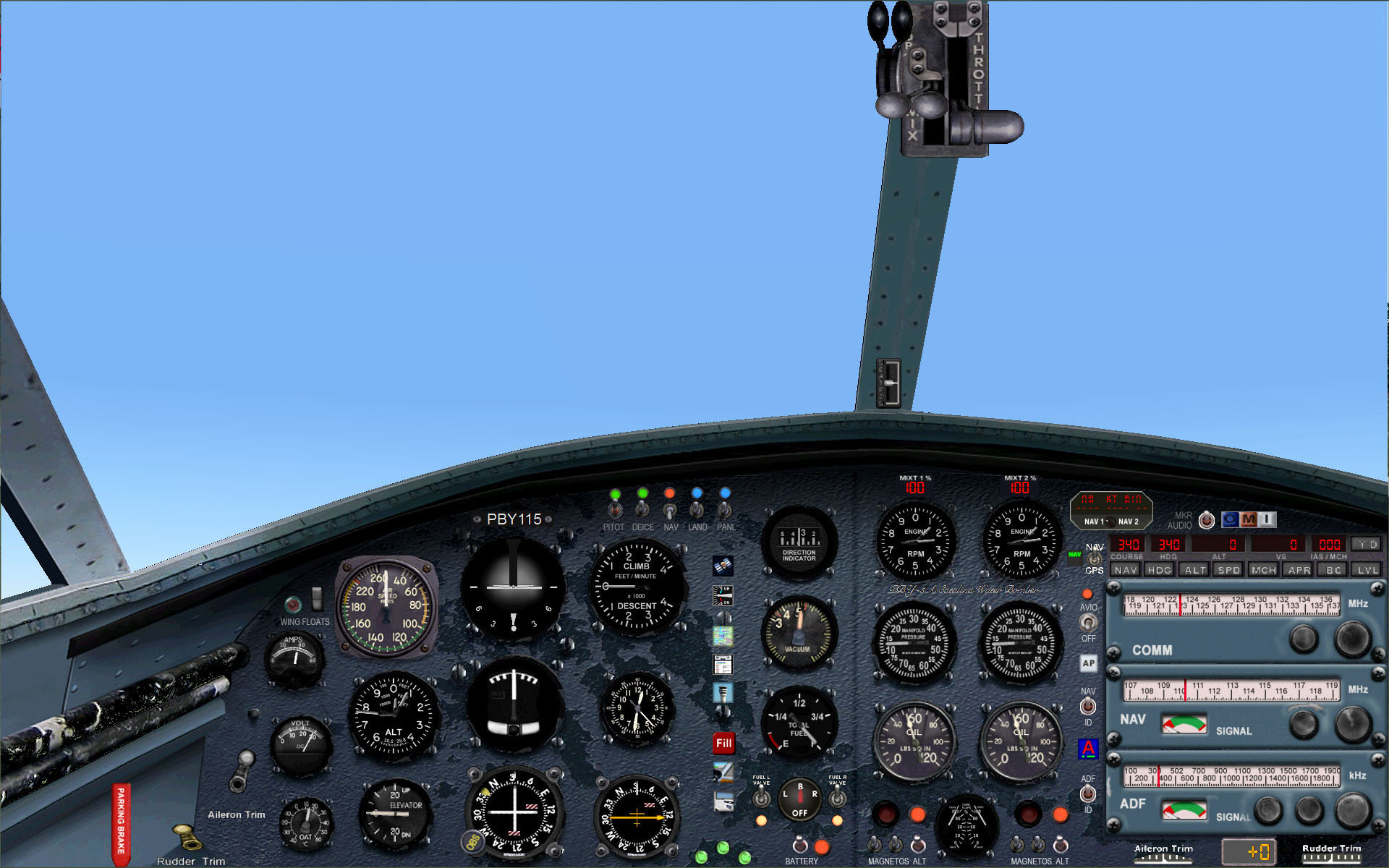
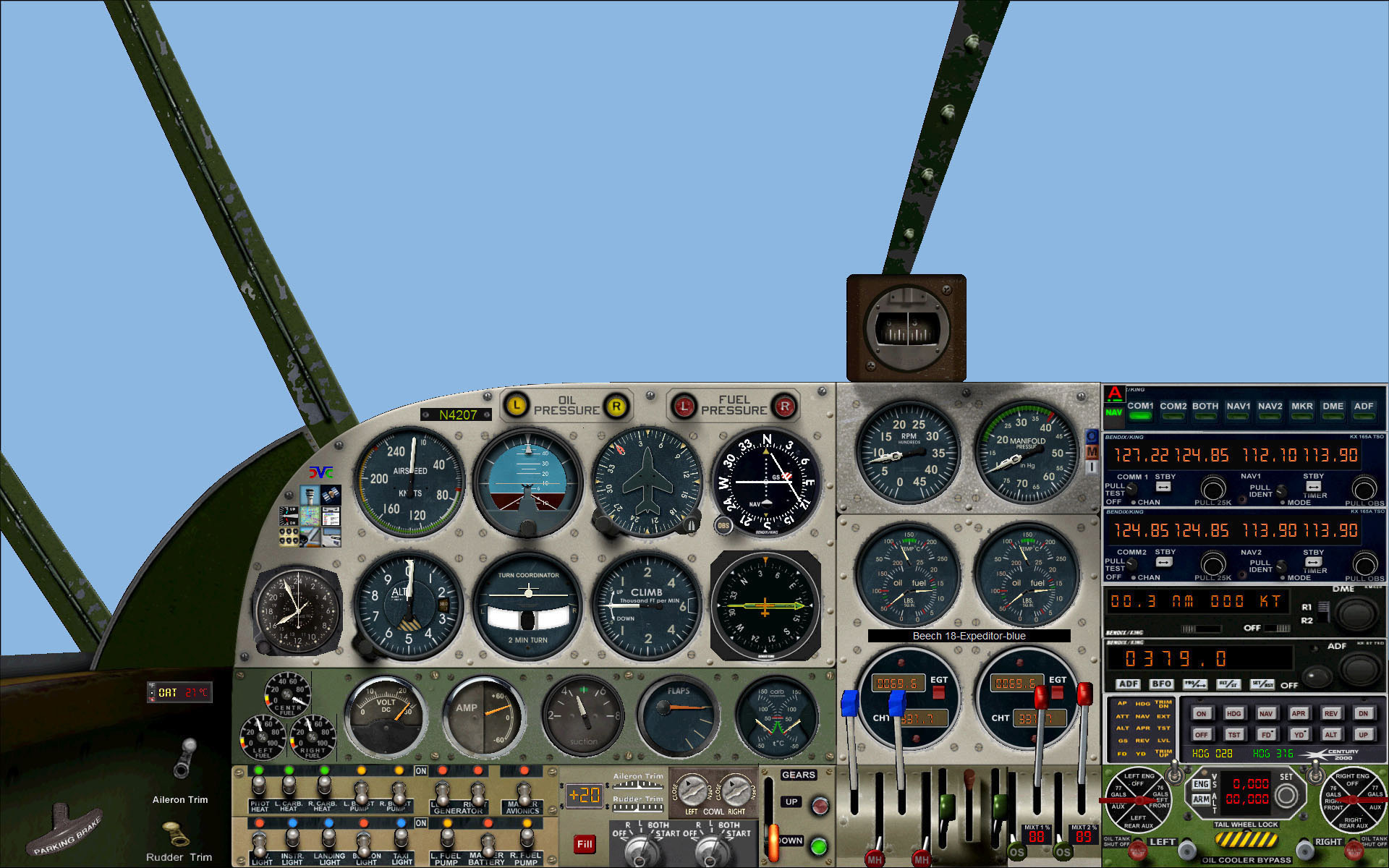
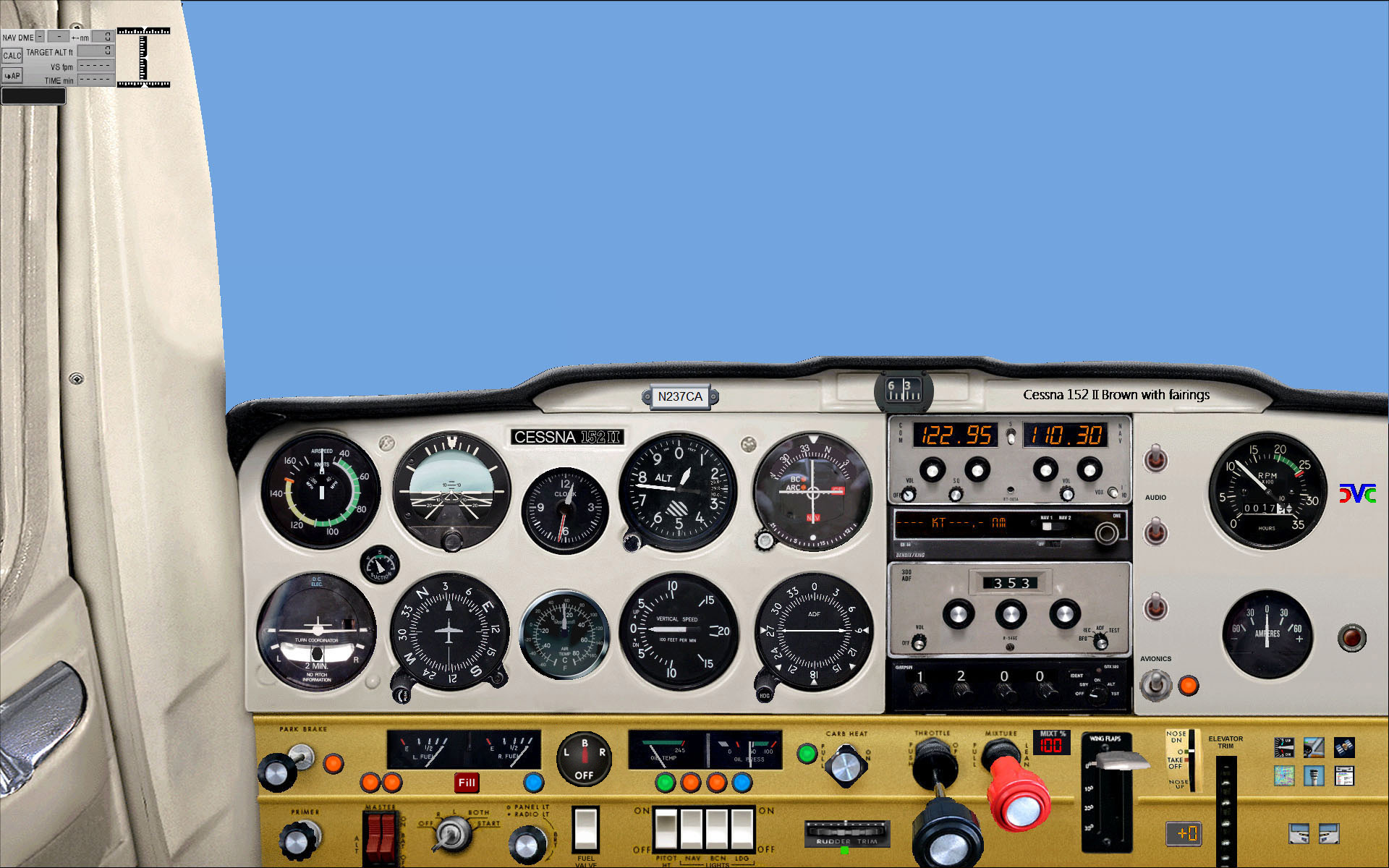
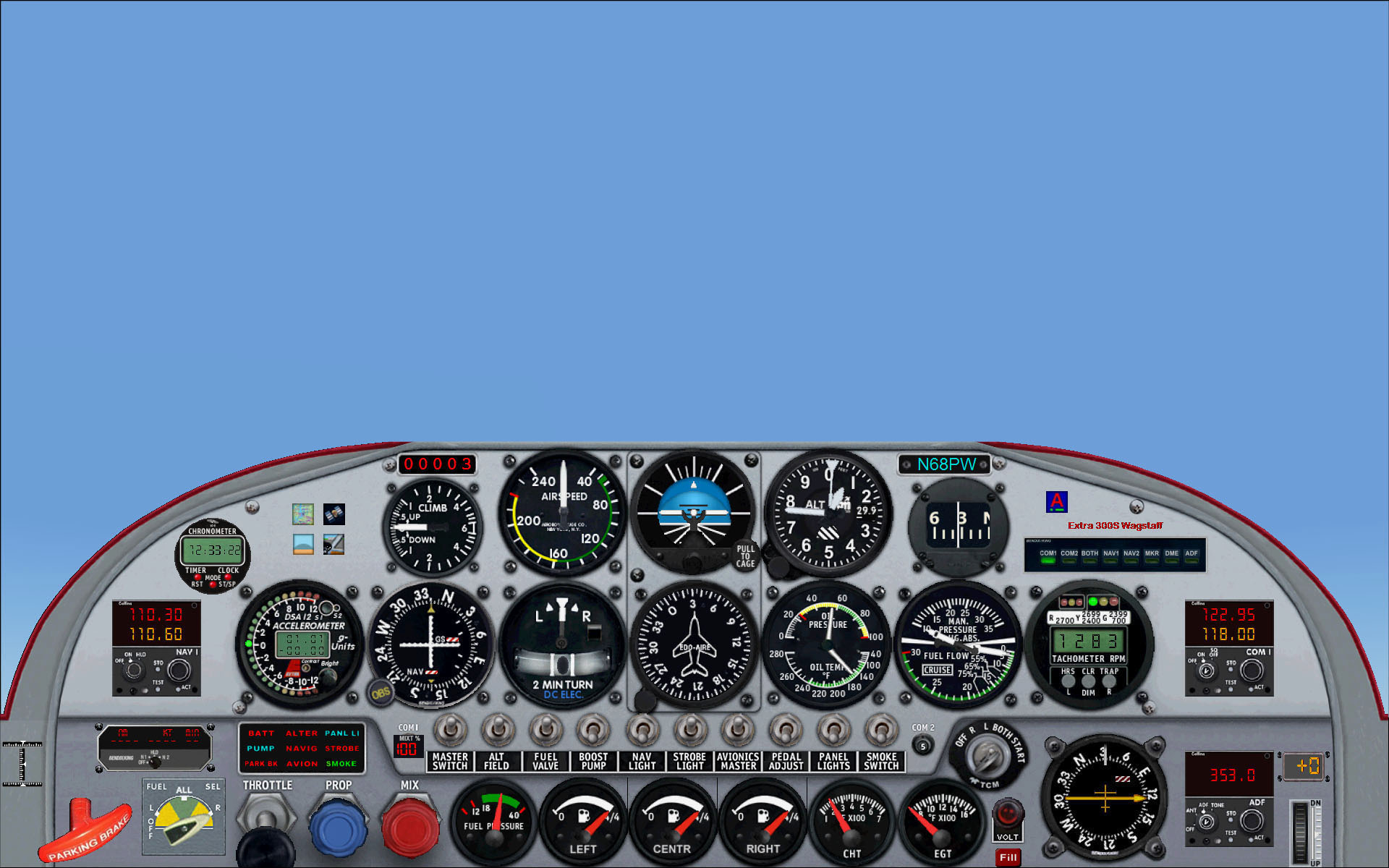
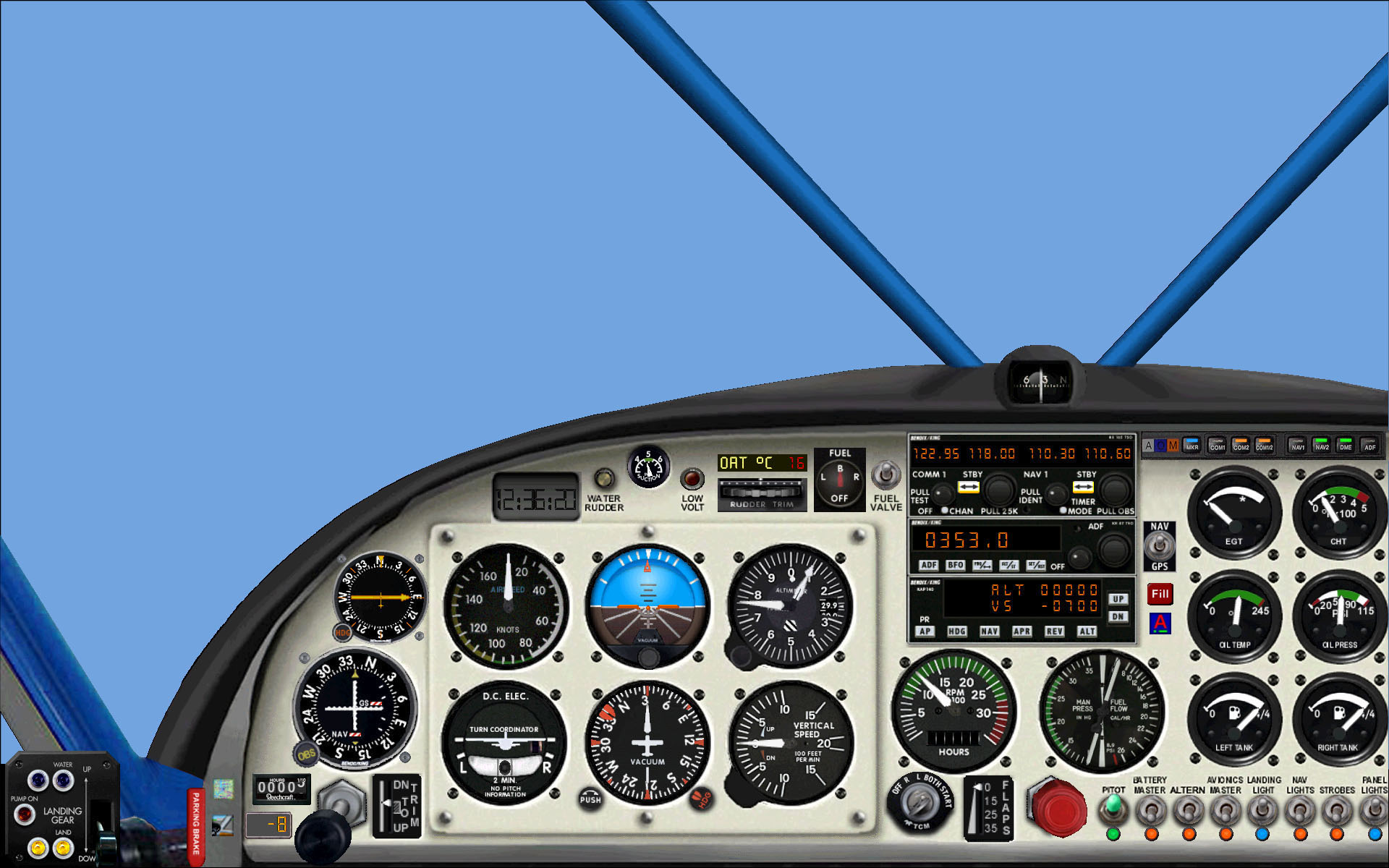
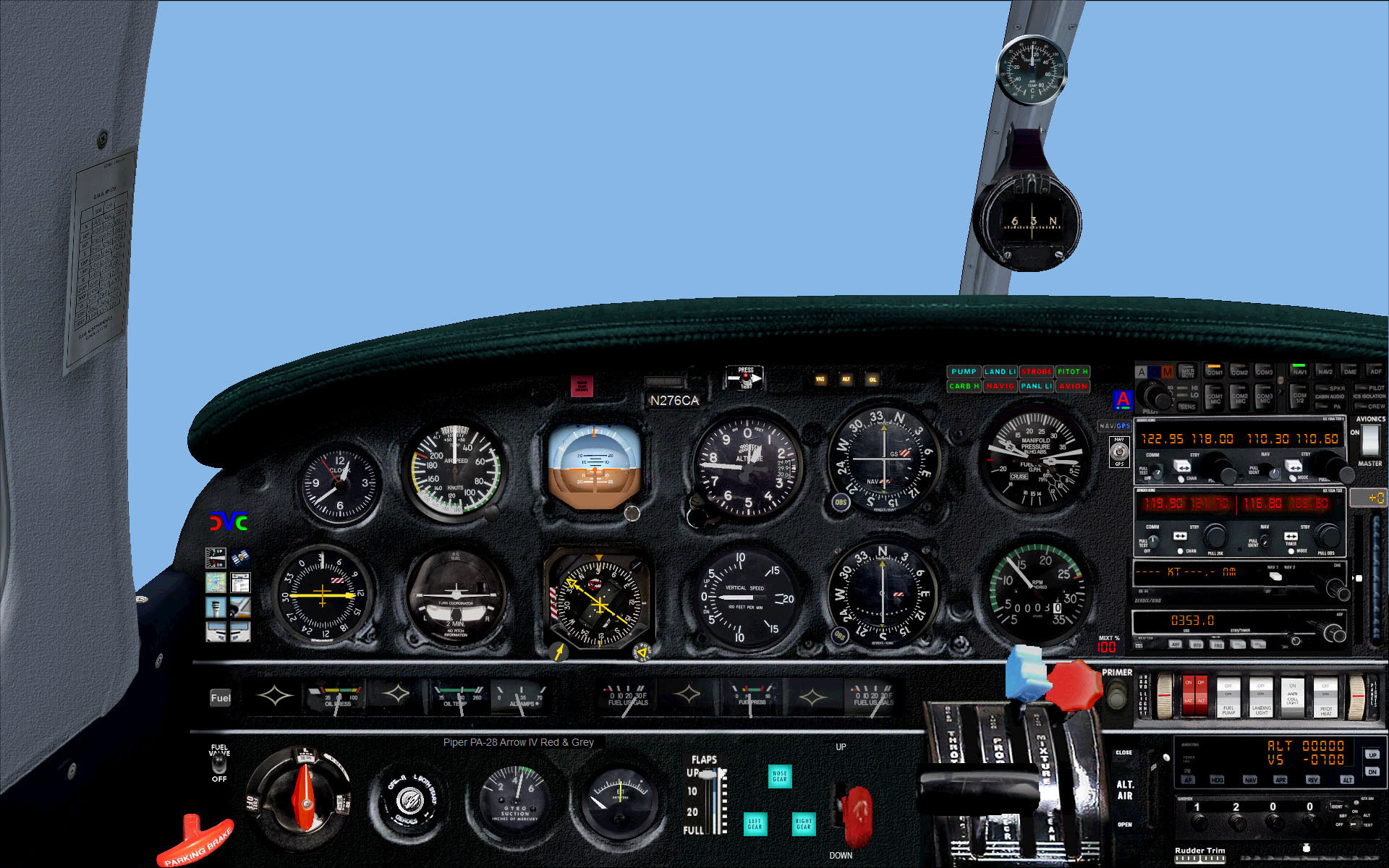
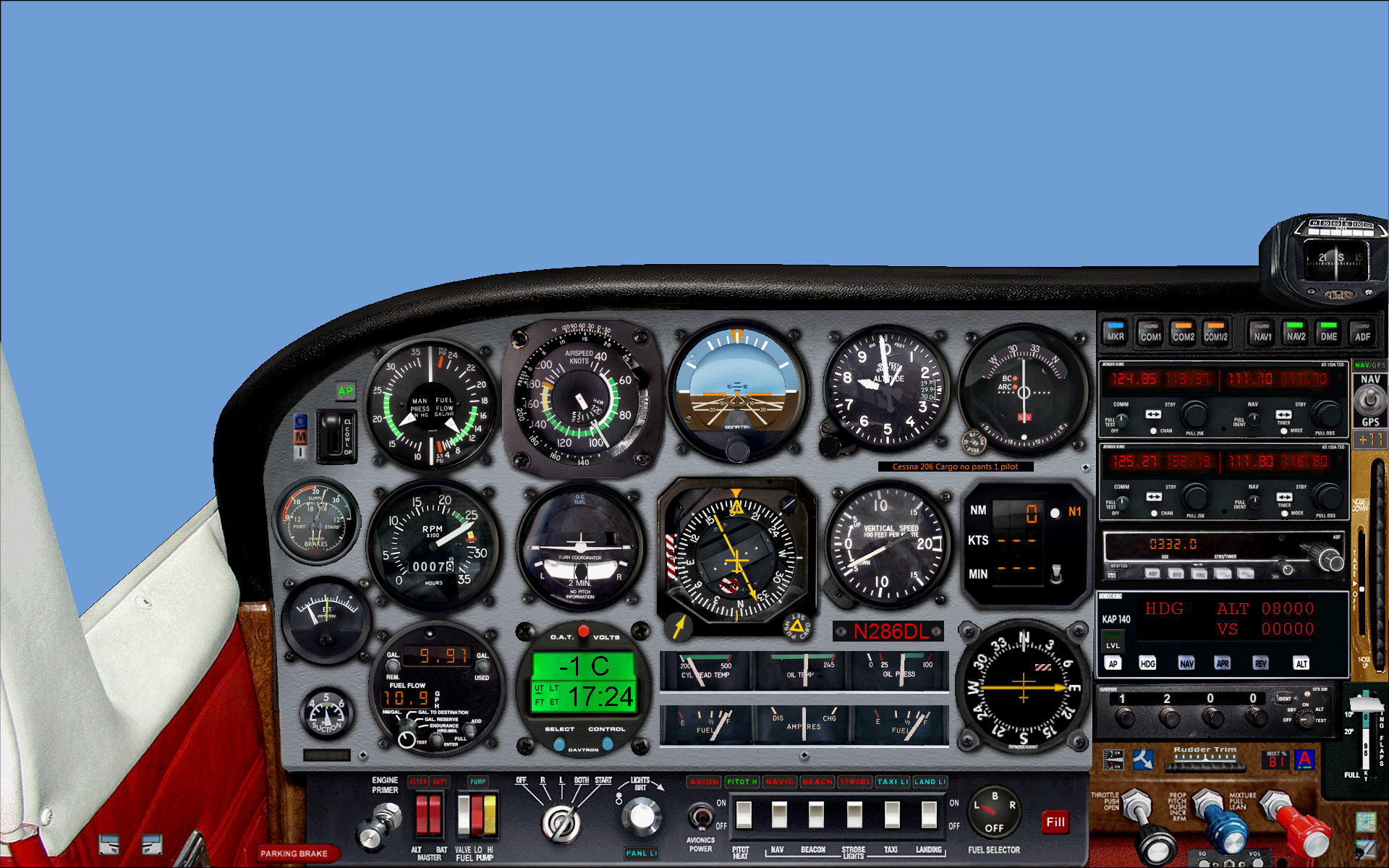
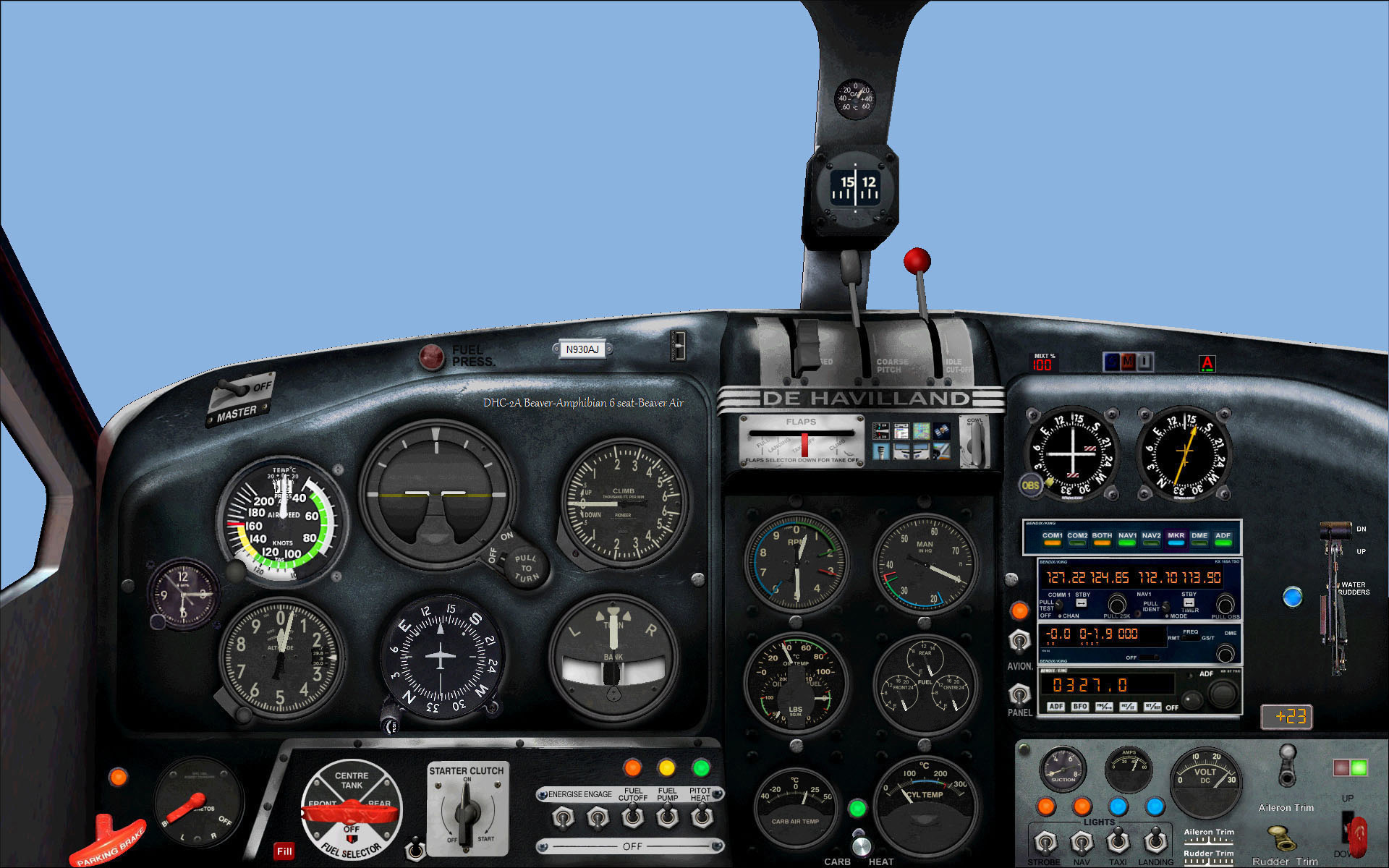
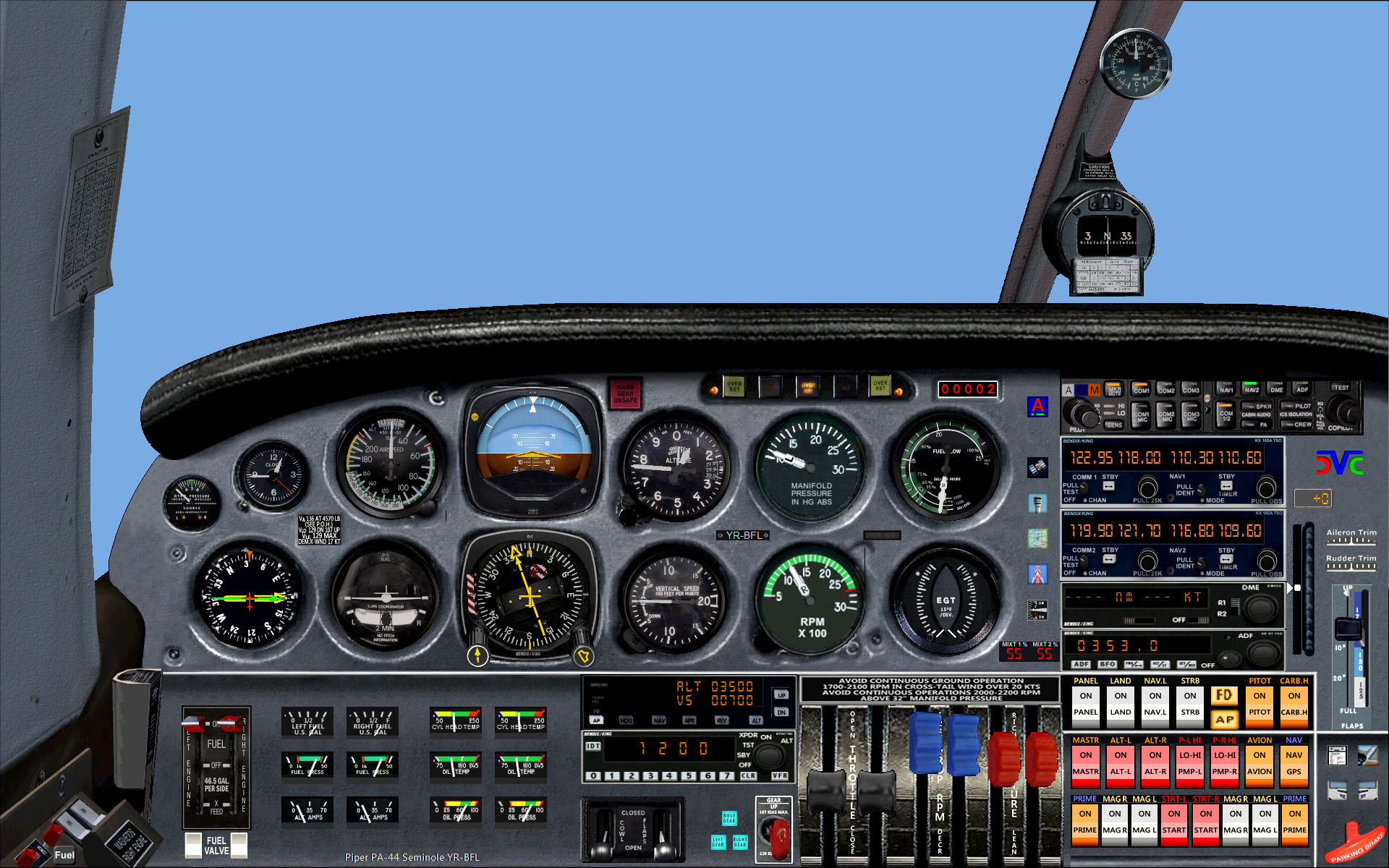
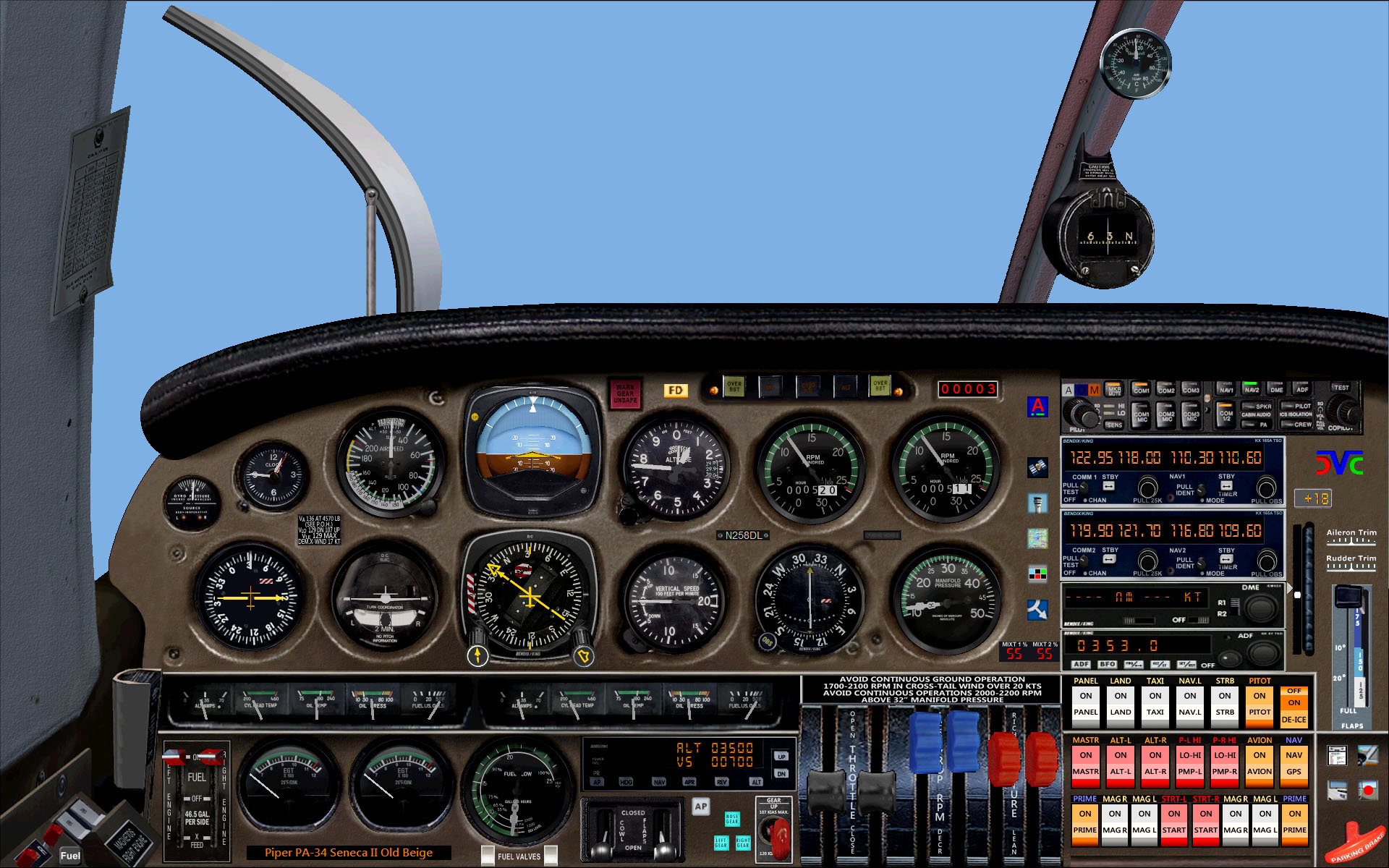
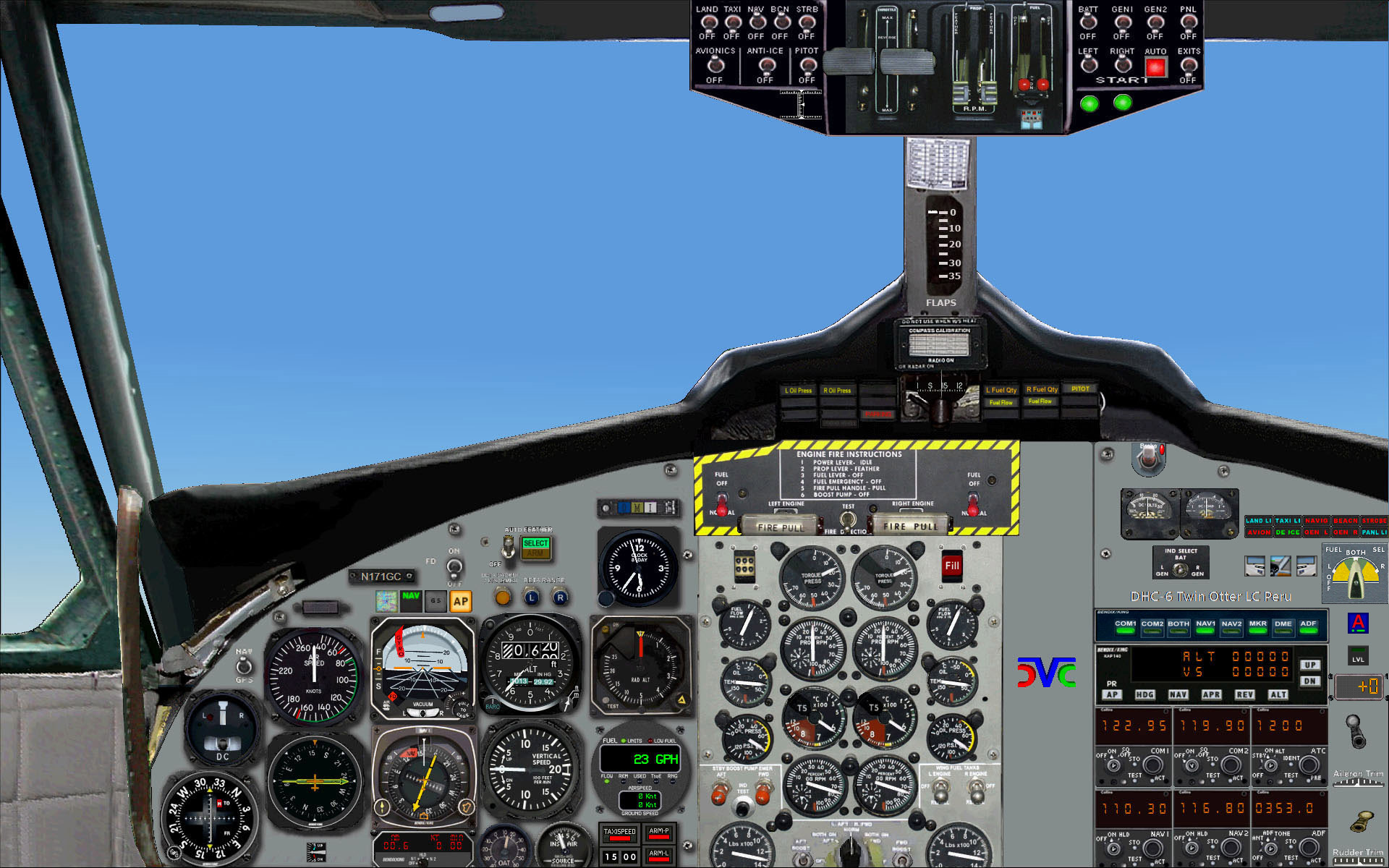
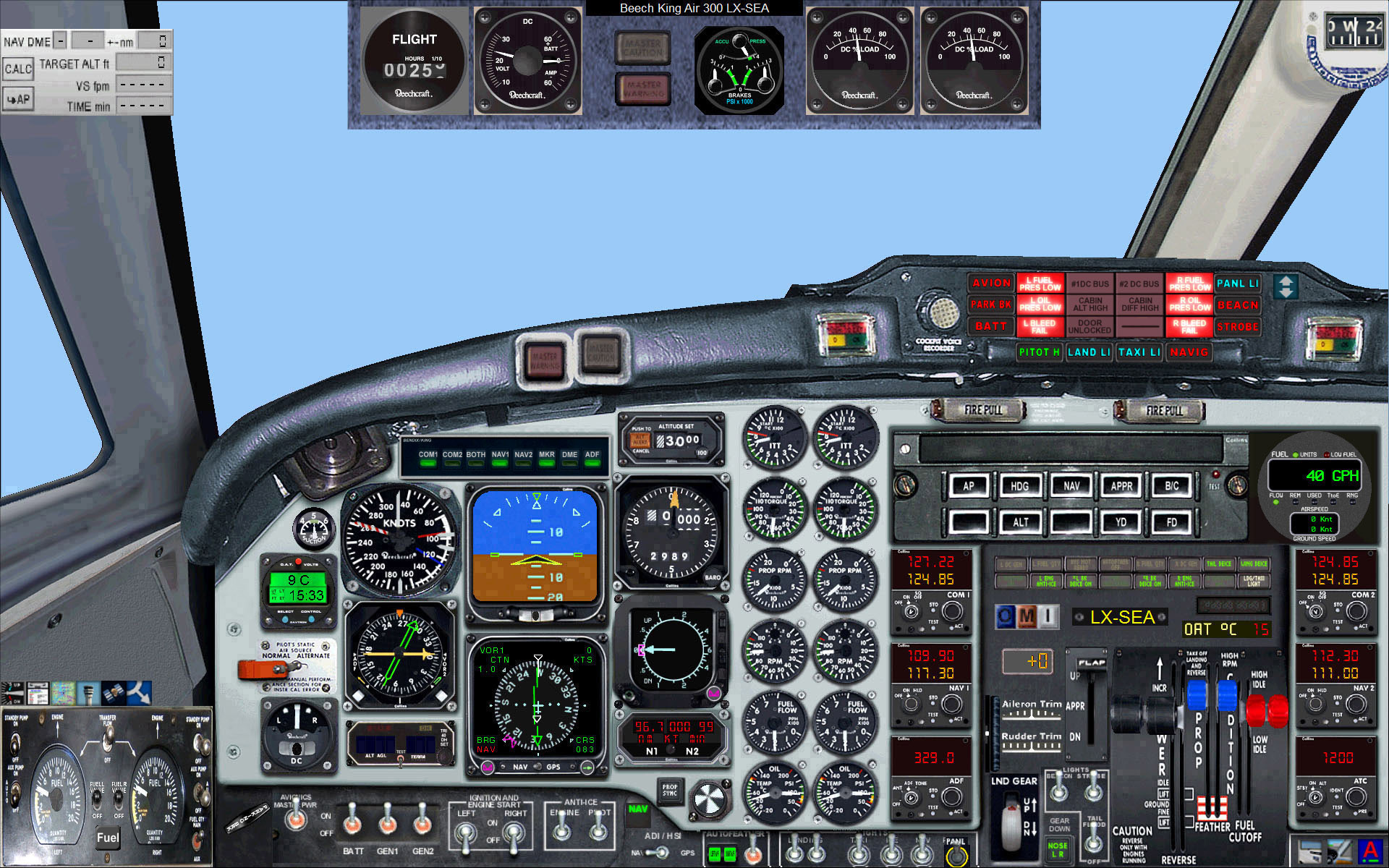
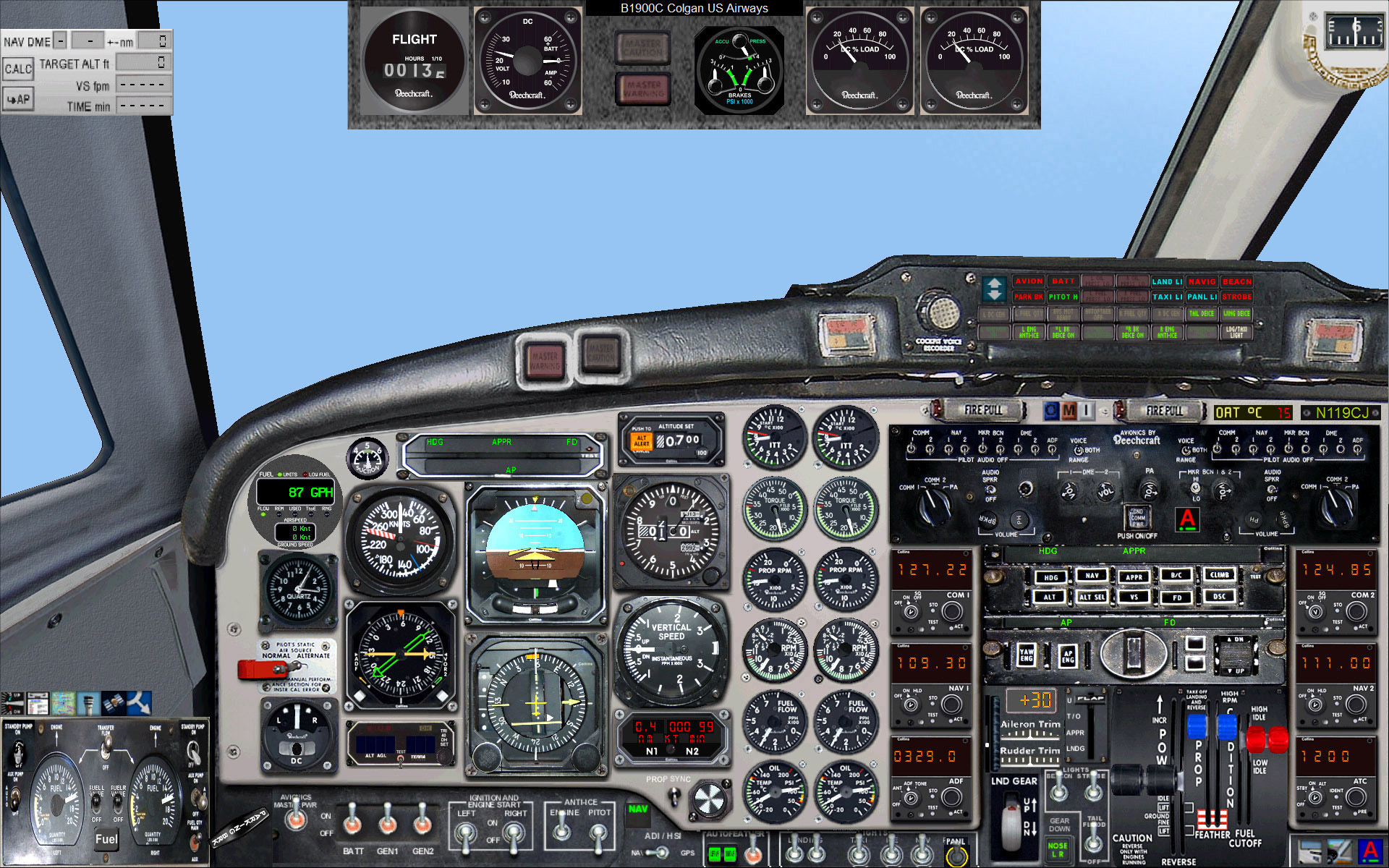
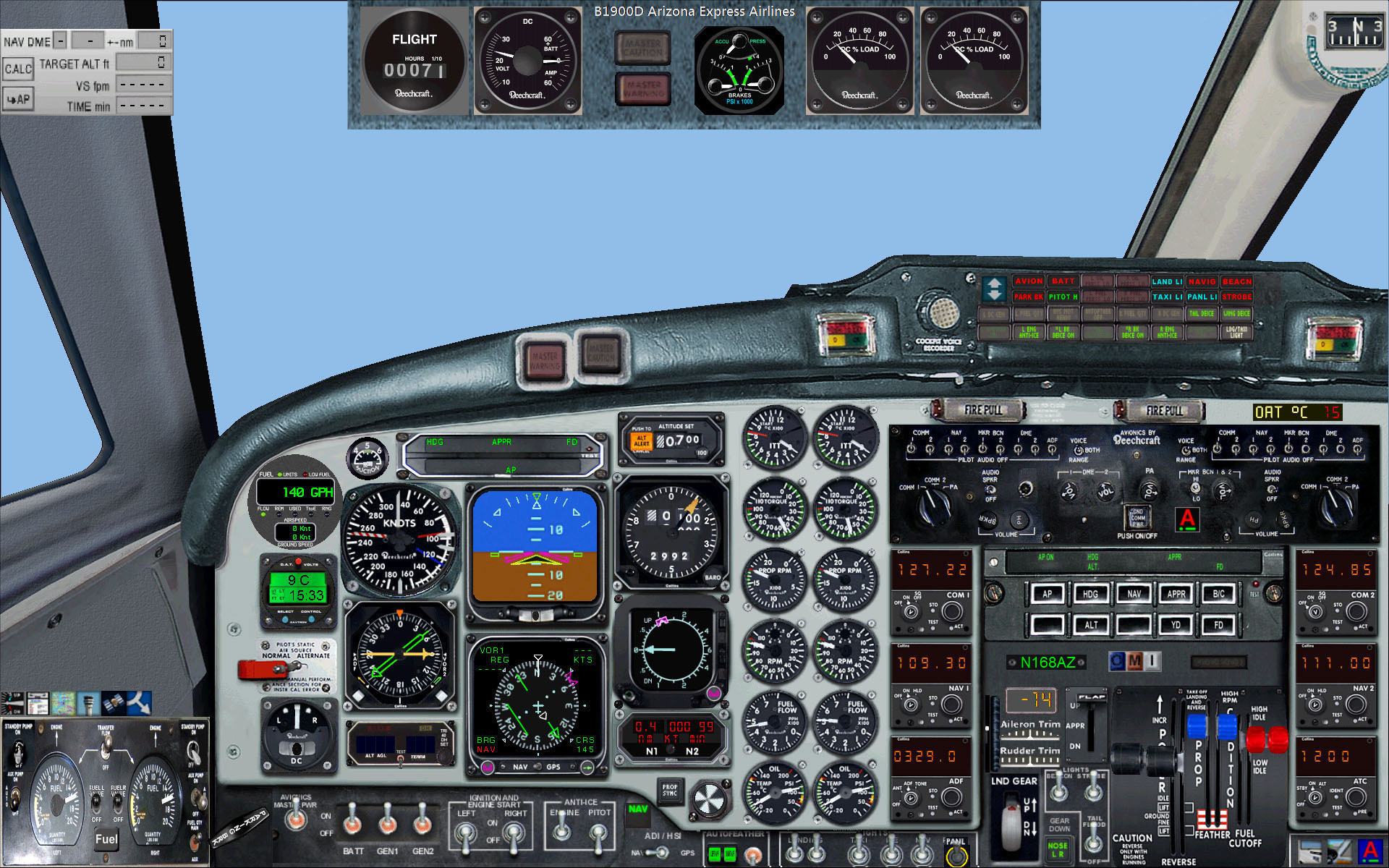
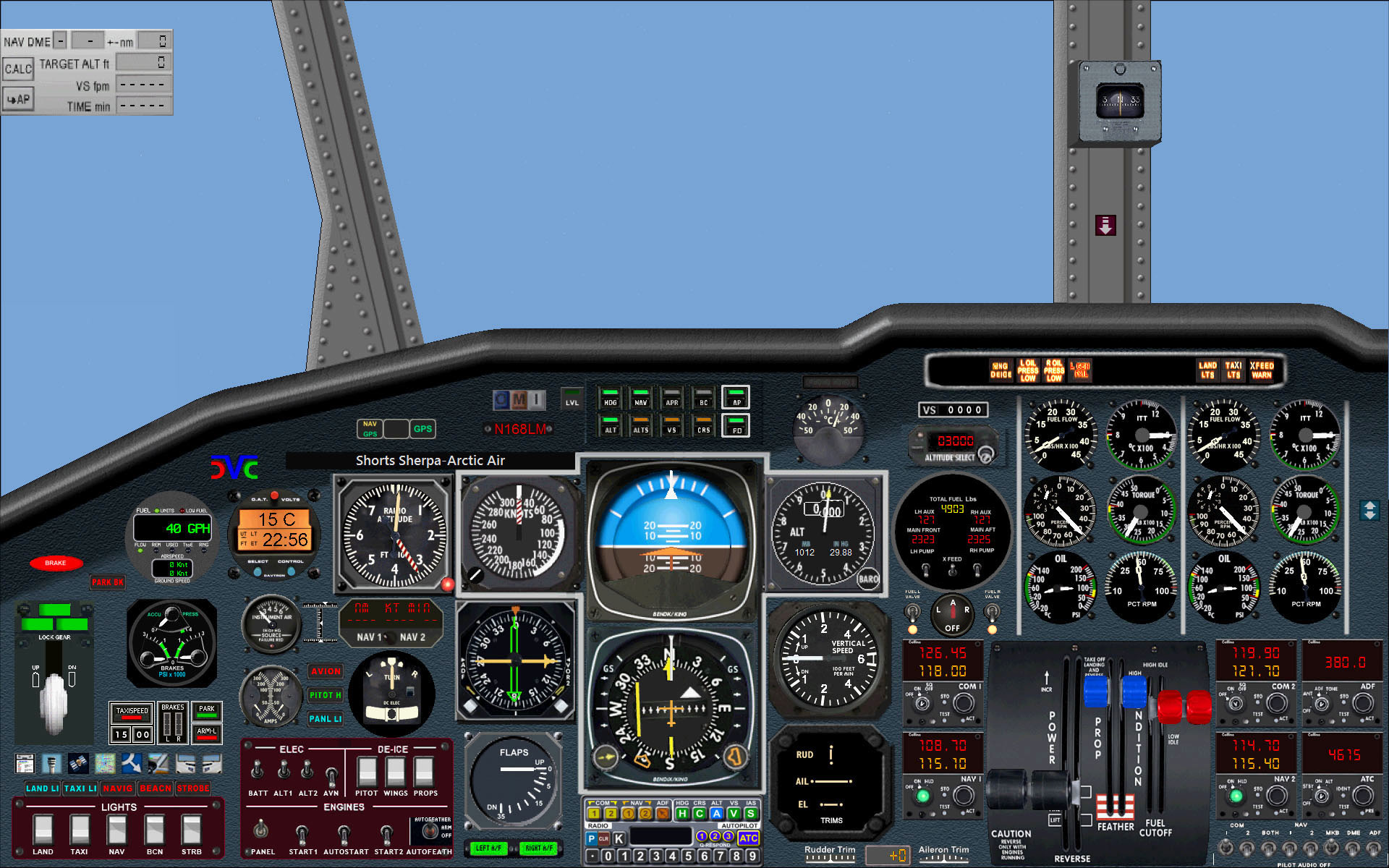
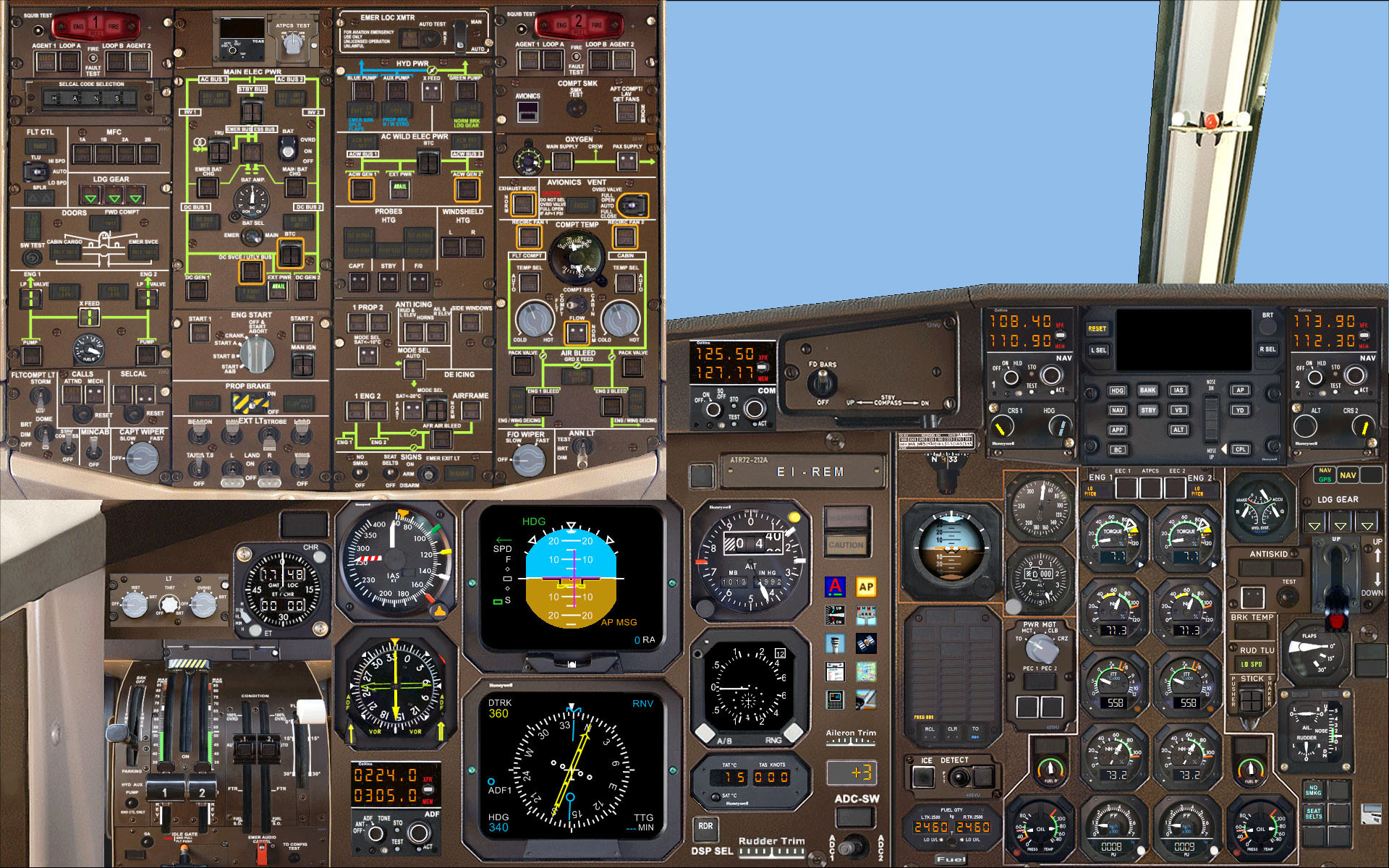
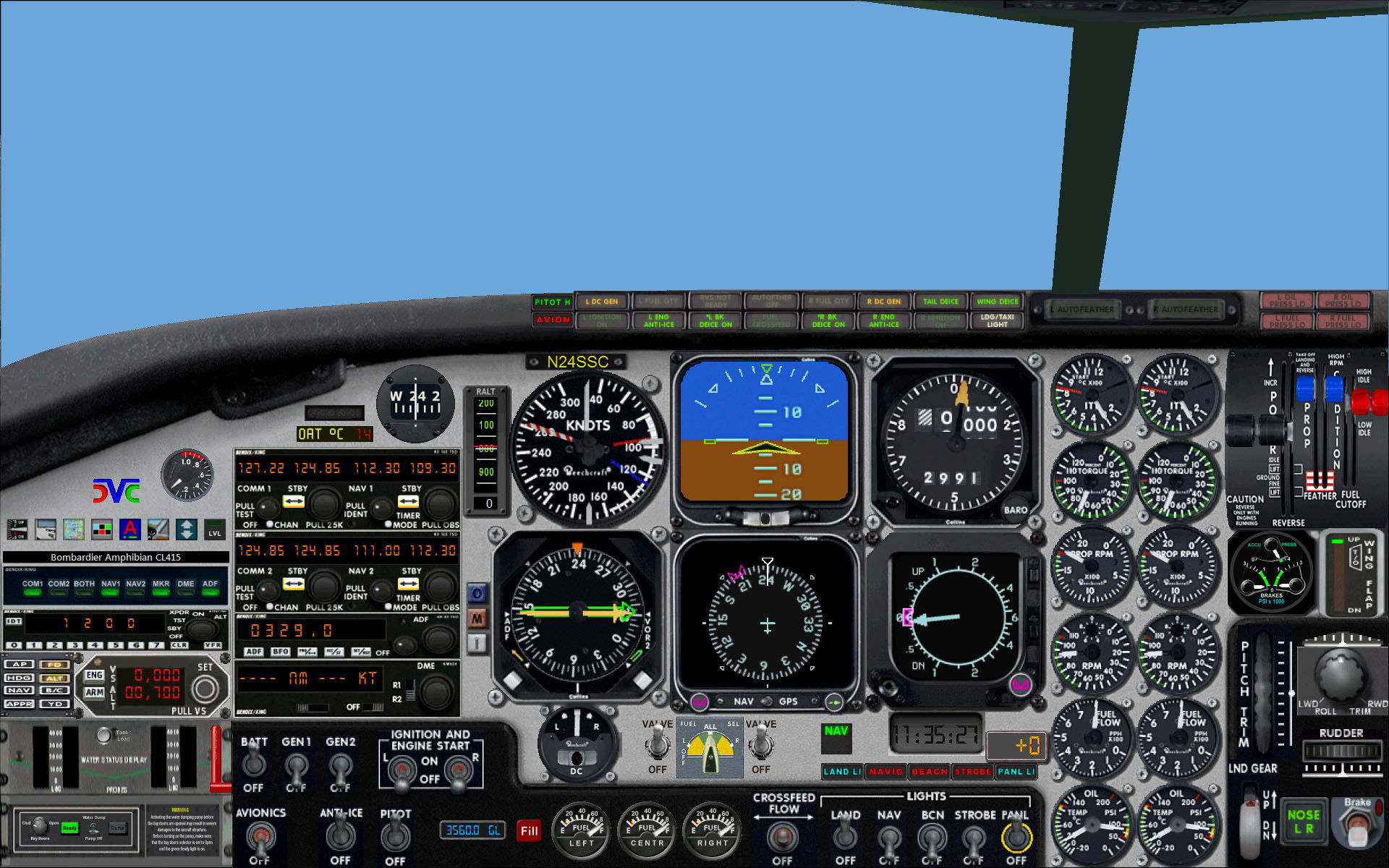
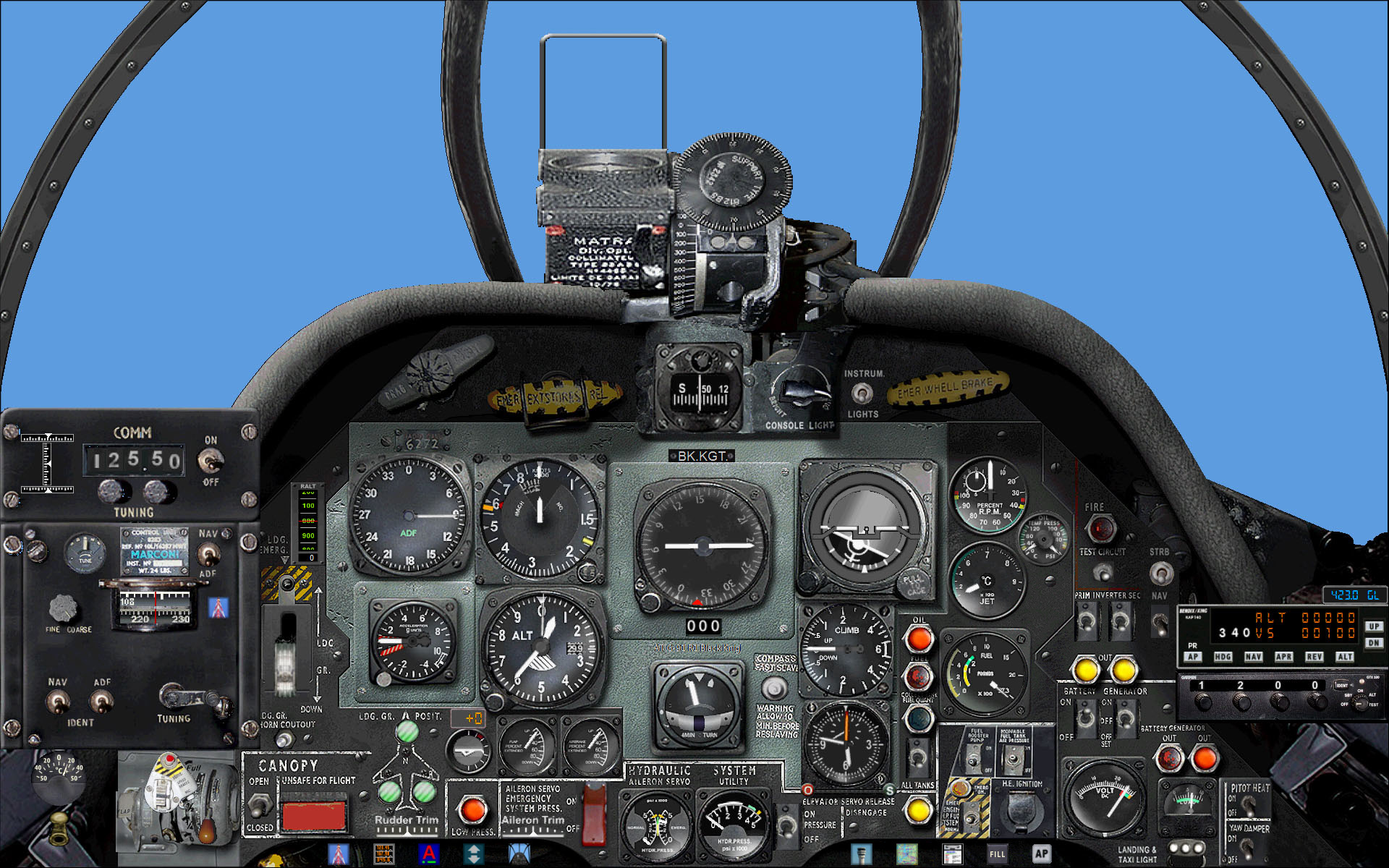
Now you can enjoy my free Cloudy's Rational Panels for all the default FS2004 aircraft except the 3 Boeing jet airliners (covered by the excellent payware by Friendly Panels). I have lately also included a panel for the Shorts Empire flying boats and for the Cessna C182RGII by Carenado. My panels work at any resolution from 1024x768 upwards, looking particularly good at that resolution and also at 1600x1200. With very few exceptions (handheld COM radio in early aircraft invoked by Shift-2 and the GPS kept throughout as Shift-3), all the gauges are now in the main panel.  

Careful scaling has produced gauges that are as legible or better than in the default panel, in spite of being sometimes smaller in size. If not absolutely photographic, the grouping is rational and reasonably resembles the real-life thing.  Also, a few necessary new gauges have been added and yes, the external window is now mostly larger rather than smaller! Countless minor deficiencies have been fixed in the process, e.g. most of our panels feature a ATC ID plate which reproduces the value from the aircraft.cfg file (a few default aircraft had one ... as a fixed bitmap unrelated to the parameter value!).

By clicking on the panel images below you can see small 640x480 screenshots. Once downloaded and unzipped, each panel carries two 1024x768 screenshots: one shows the default panel, the other my Rational Panel for you to compare. Find also with each panel a detailed text file explaining the main improvements.

Historical General
Historical Airliners
Modern Piston Props
Turboprops, Jets, Sailplane

‡‡‡‡‡‡‡‡‡‡‡‡‡‡‡‡‡‡‡‡‡‡‡‡‡‡‡‡‡‡‡‡‡‡‡‡‡‡‡‡‡‡‡‡‡‡‡‡‡‡‡‡‡‡‡‡‡‡‡‡‡‡‡‡‡‡‡‡‡‡‡‡‡‡‡‡‡‡‡‡‡‡‡‡‡‡‡‡‡‡‡‡‡‡

 The Gauges => do this before installing any panels!

The panels below are mostly based on the default FS2004 gauges, but I had to create a few additional ones. Some of them are included in the downloads below in the \panel folder, so they are installed automatically without you having to bother about them.
Other gauges, which are shared by different aircraft,
are found in the following file:  CloudyGaugesDownload
Just download it, unzip and copy the files your Fs2004 \Gauges folder.
Among the gauges, you will find also a general text file for your information about requirements and install instructions: read them carefully so you will be able to install/uninstall the panels with no hassle. Enjoy!

 Historical General


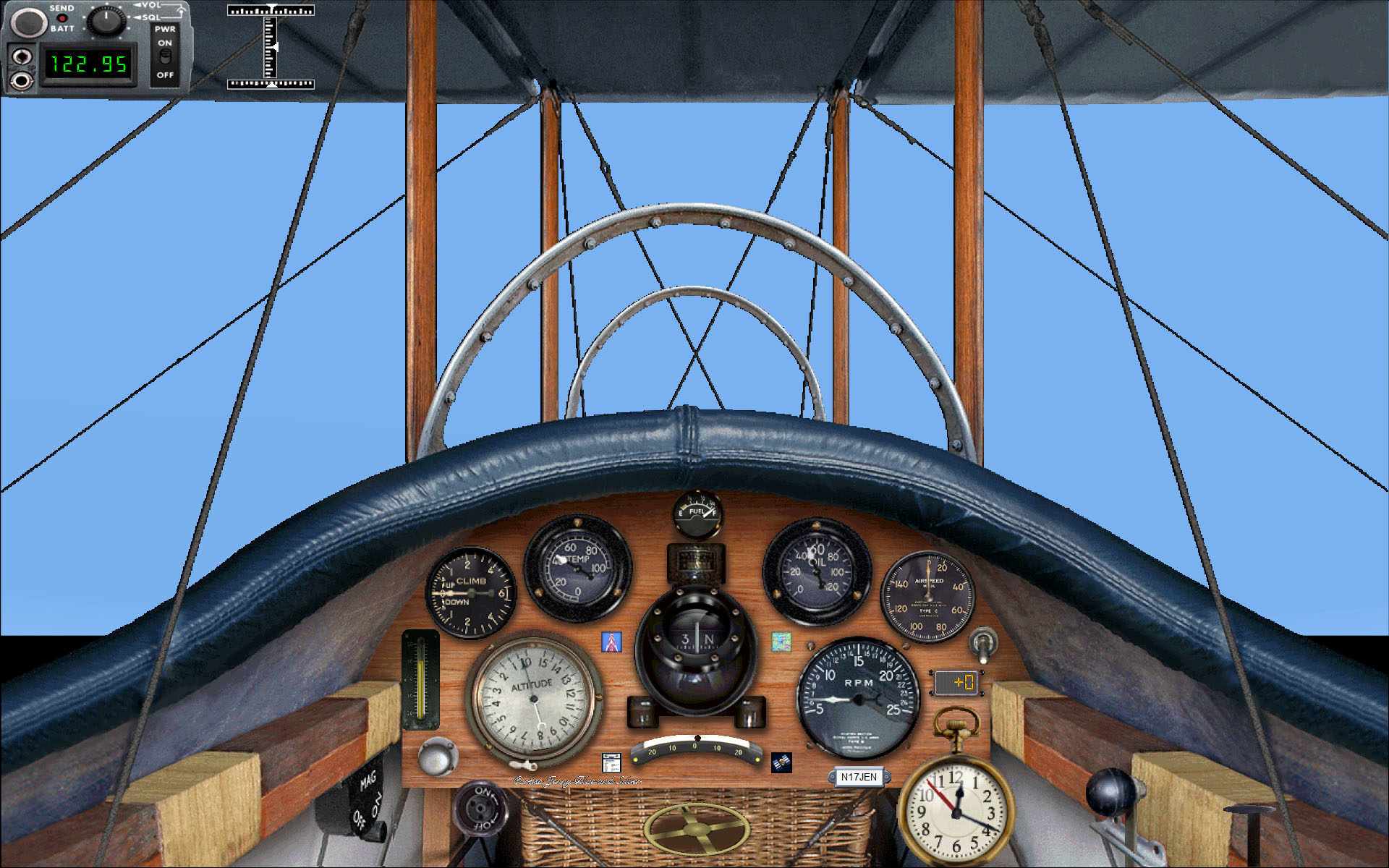
Curtiss JN-4D “Jenny”                             Download

Our restructured panel, though not a radical redesign, improves the external view and brings in a few necessary additions: Climb gauge, Airspeed gauge, Roll and Pitch indicators, Mixture knob and a panel light switch.

[click for an enlarged view]

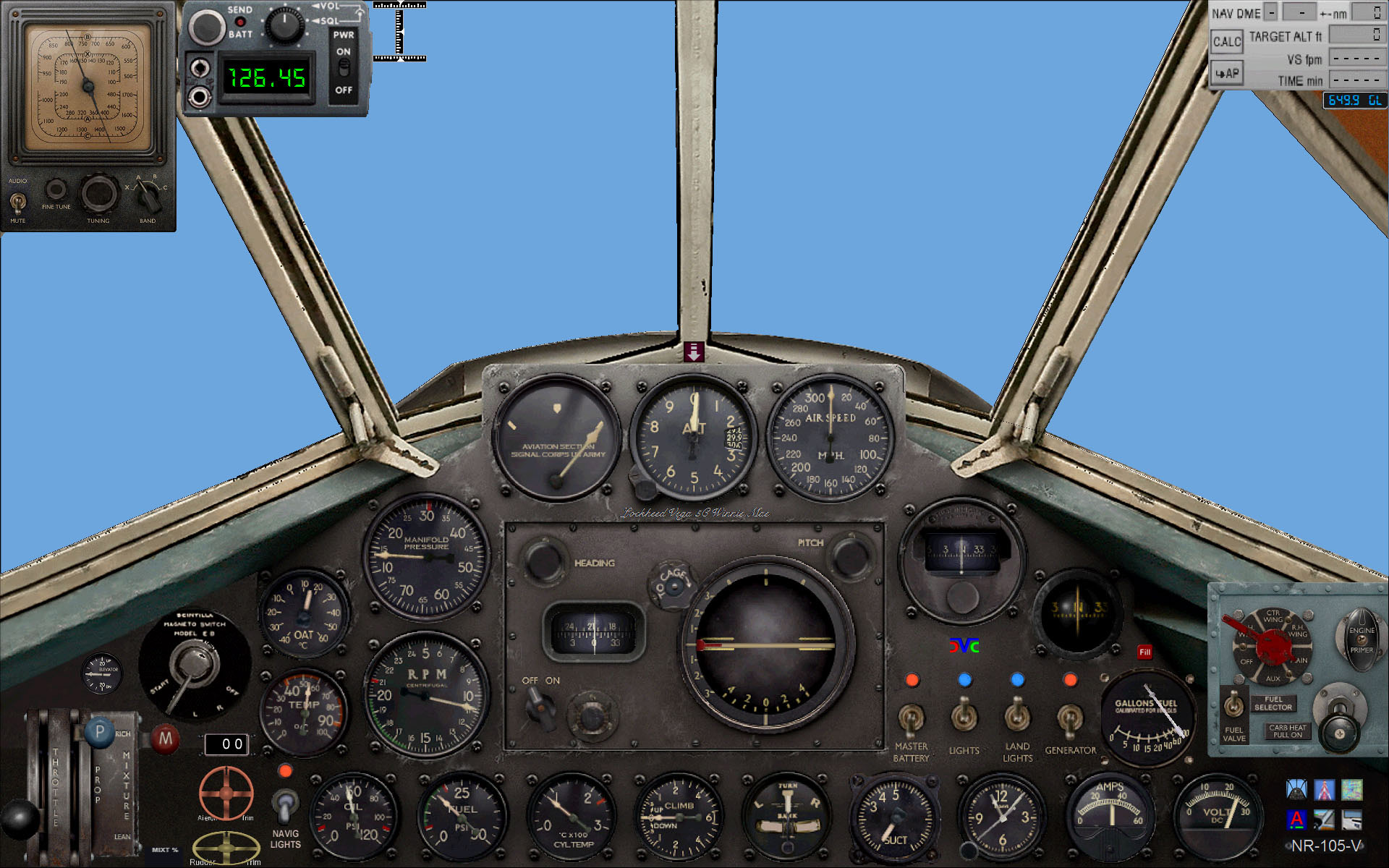
Lockheed Vega                                           Download

The full Throttle panel and the important left section of the Fuel panel are now incorporated into the main panel, now also featuring a matching Fuel Quantity gauge. Also:
Shift-2 toggles Vega's bulky ADF tuner and the COM radio.
• Shift-4 toggles an enlarged view of the Fuel subpanel.

[click for an enlarged view]

Ryan NYP “Spirit of St. Louis”          Download

Only minor changes here: the Manual pump and the Pioneer compass are now seen in the main panel window, which now also features a contemporary Fuel Quantity gauge.


[click for an enlarged view]

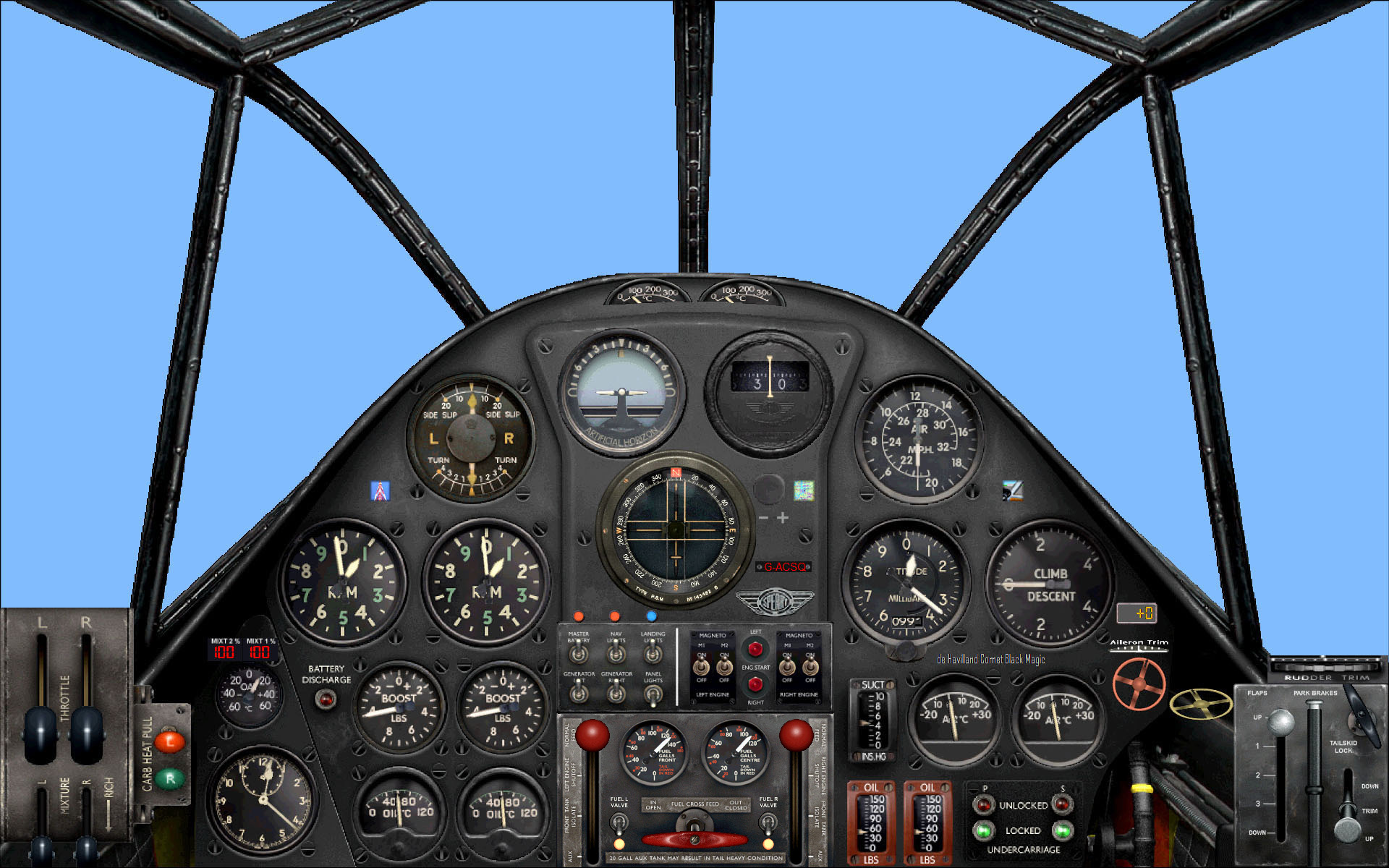
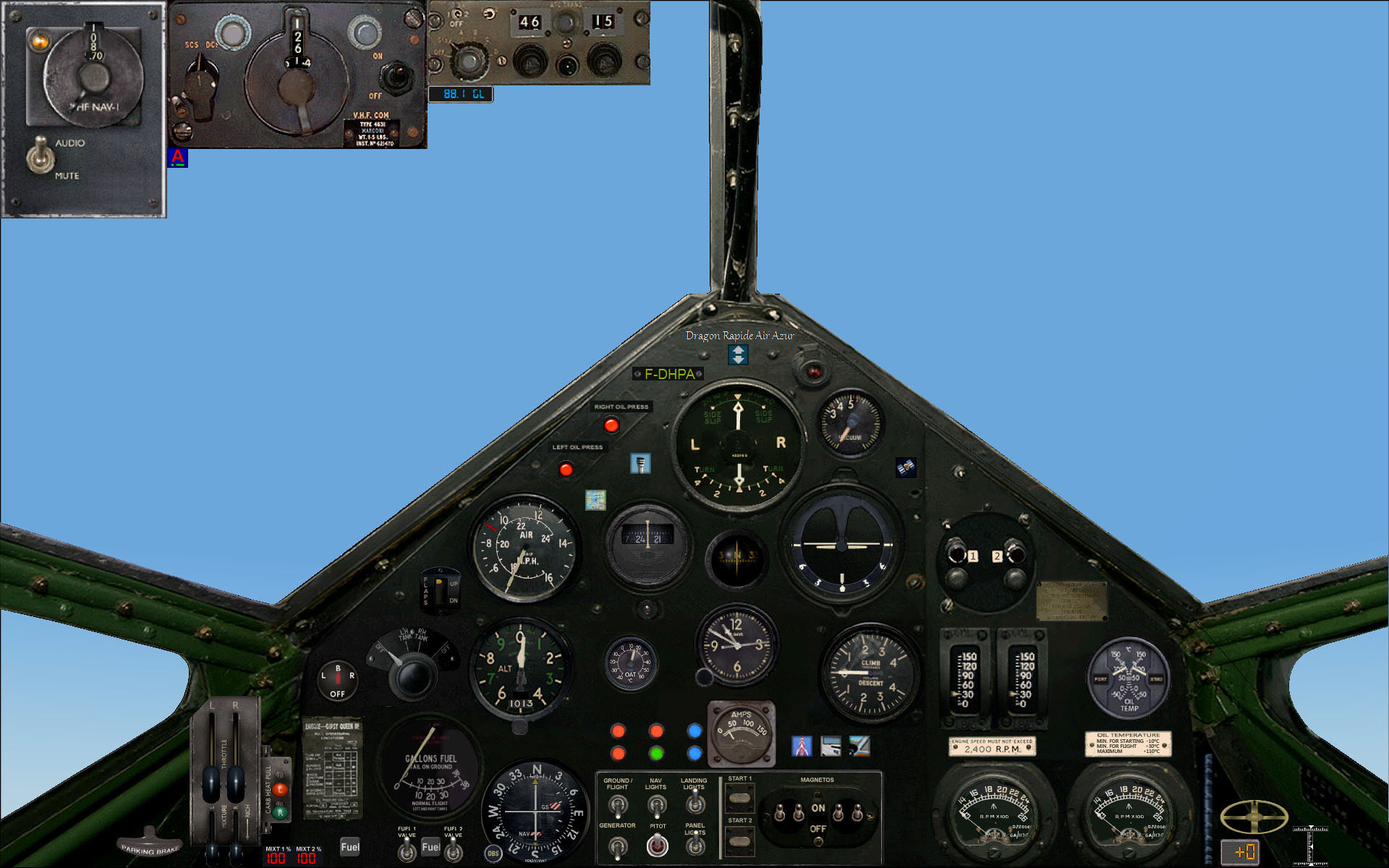
de Havilland DH-88 “Comet”           Download

This has been our first thorough redesign. In spite of a layout that looks very much like the default panel, all the 5 sub­panels [Throttles, Fuel valves, Switches, Compass and Flap+trim combo] are now included into the main panel. Yet we have managed to keep the original size of most gauges ... and to slightly enlarge the external view!  Also, as for the Vega, Shift-4 toggles an enlarged view of the Fuel subpanel.

[click for an enlarged view]

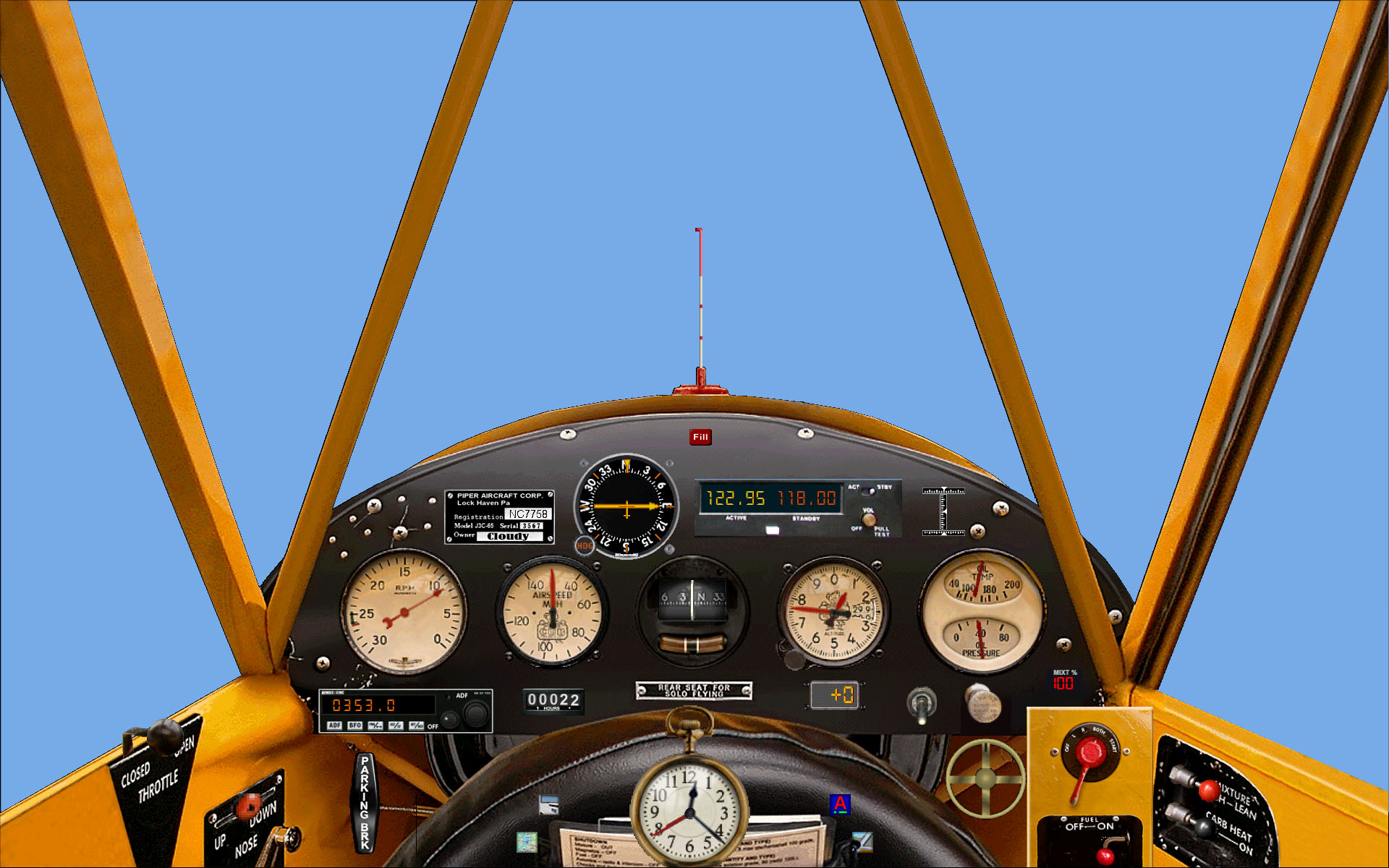
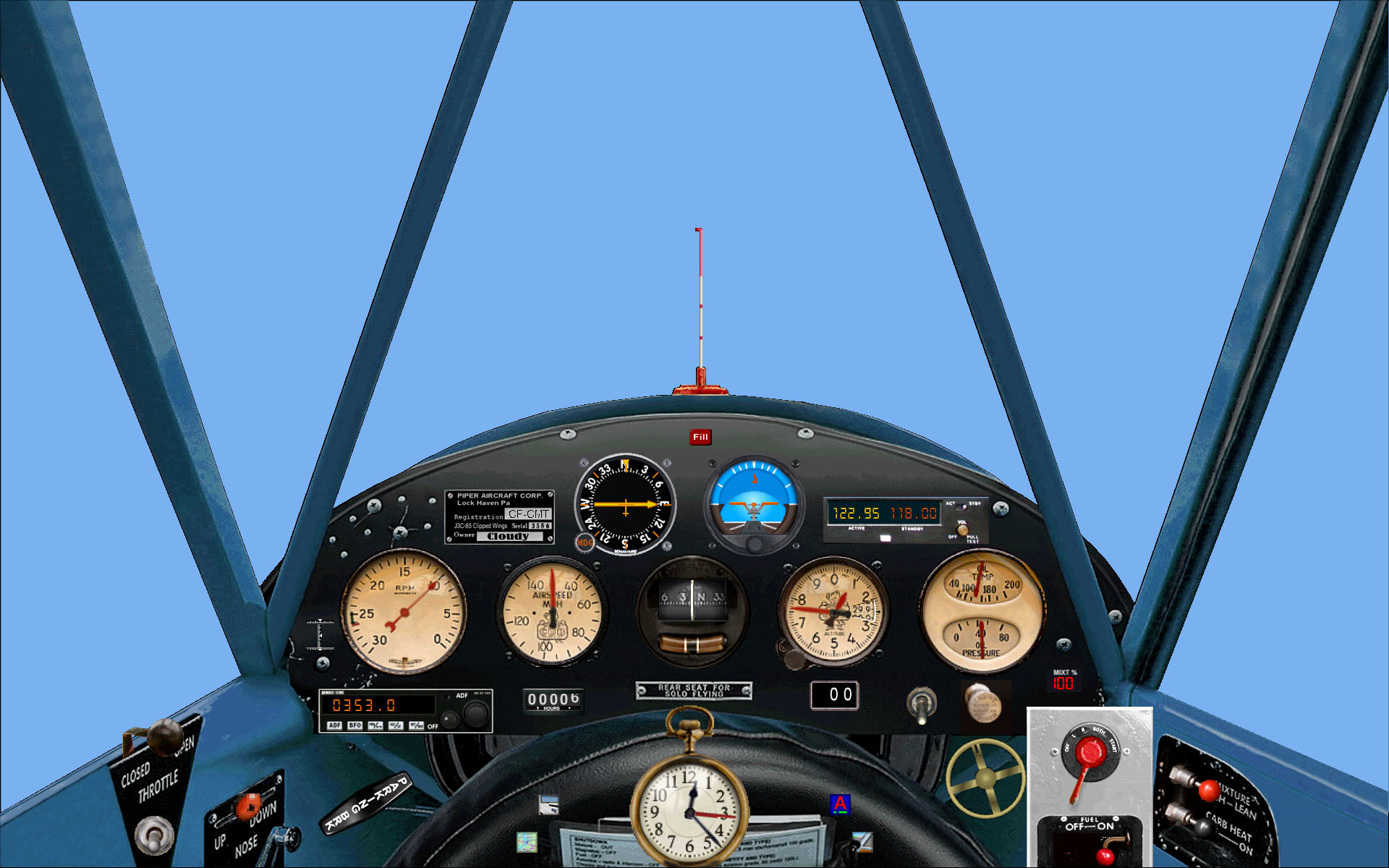
Piper J-3C-65 “Cub”                              Download

Significant improvements here as well. The 3 former subpanels [Starter+Fuel valve, COM radio and Clock] are now in the main panel, which also sports an ADF - a not uncommon addition to real-life Cubs - , a panel-light switch and trim controls. The original gauges have their default sizes.

[click for an enlarged view]


Historical Airliners


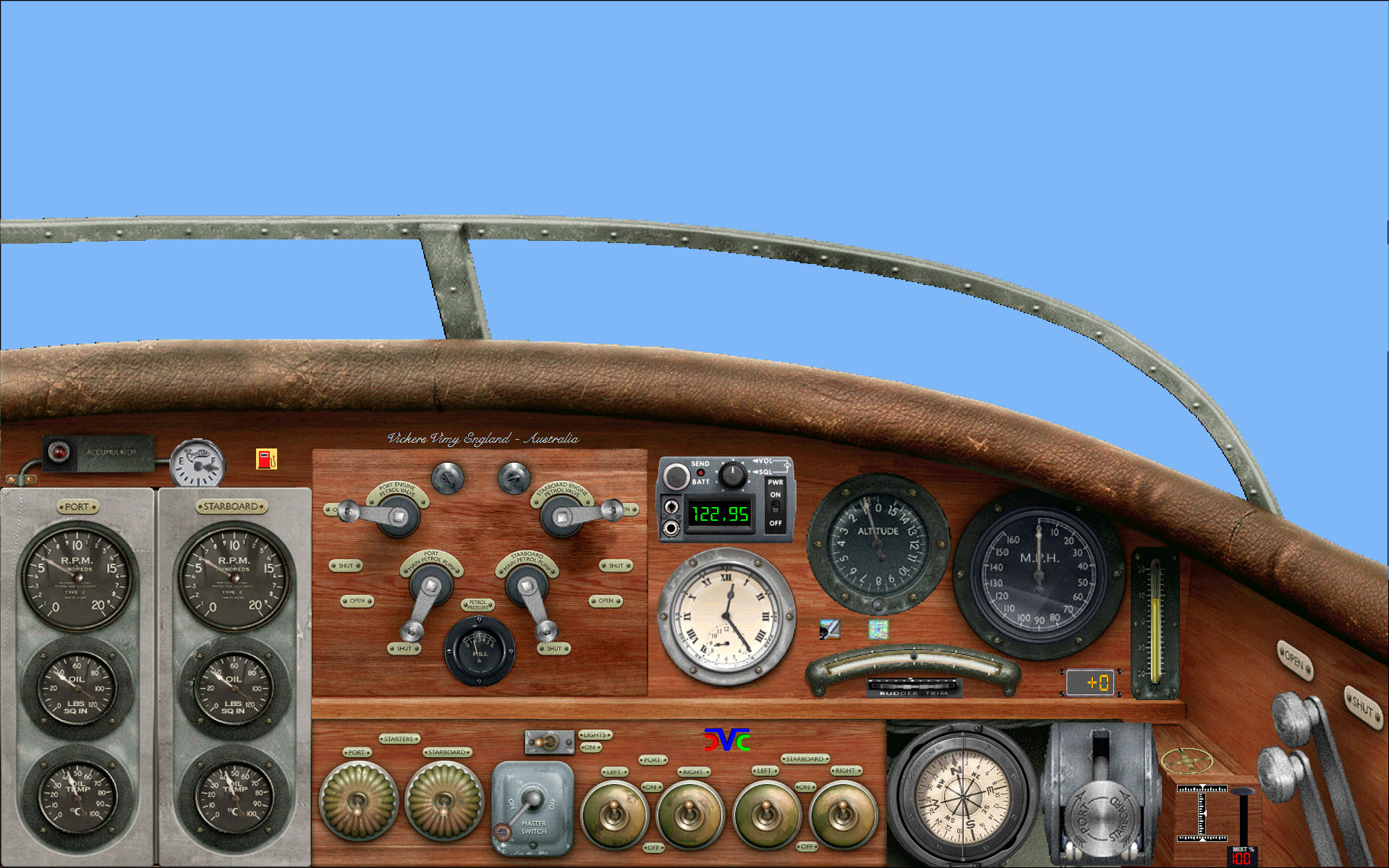
Vickers F.B.27A “Vimy”                      Download

The default panel is a basket case, in which the 6 subpanels [Petrol valves, Switches, Compass, Left Engine, Right Engine and Throttles] needed the whole screen to show in a pitiful mess. Our full redesign incorporates everything into the main panel, adding for good measure a contemporary Fuel Quantity gauge, a Mixture knob, trim controls and a factory plate. Shift-4 toggles an enlarged view of the Petrol panel.

[click for an enlarged view]

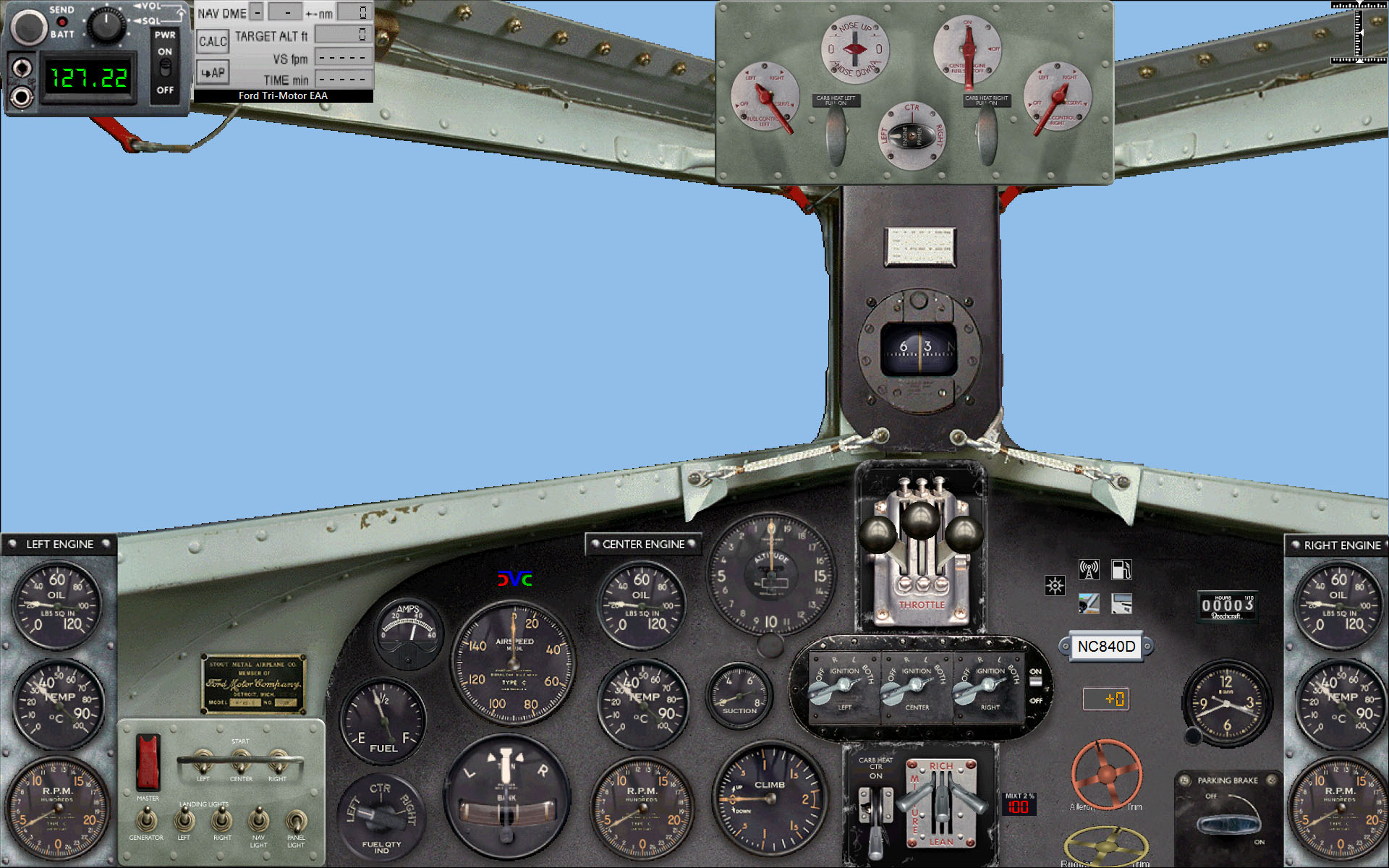
Ford 4-AT-E Tri-Motor                       Download

The default panel is another disaster, in which again lots of subpanels [Fuel valves, Switches, Throttles, Left and Right Engine Instruments] could not fit into the screen not even covering the whole external view. This full redesign puts everything together adding also trim controls. Here also Shift-4 toggles an enlarged view of the Fuel subpanel.

[click for an enlarged view]

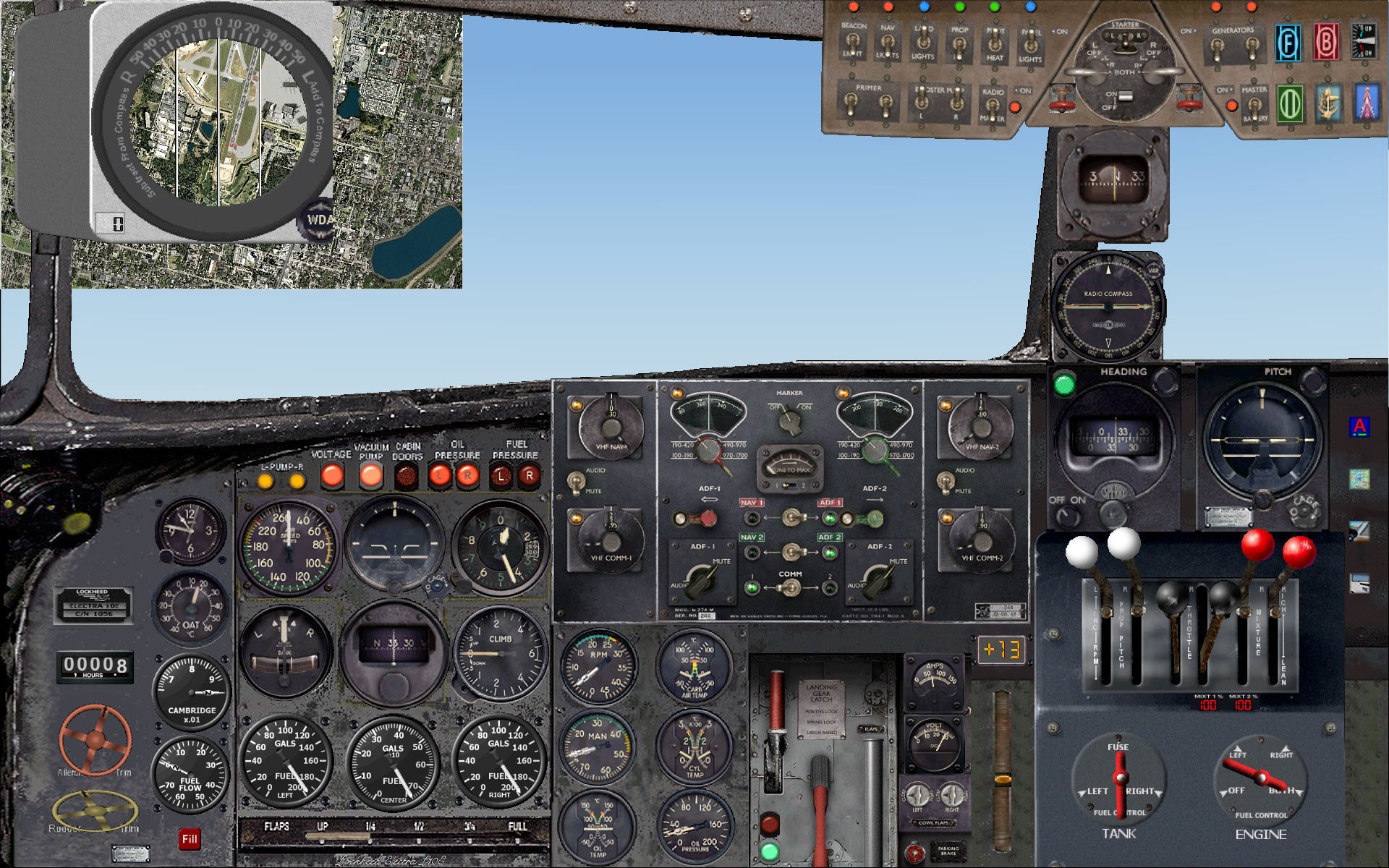
Lockheed L-10E "Electra"                  Download

To use this panel you need to have downloaded and installed the freeware aircraft L10eae01.zip available from many freeware sites. It installs with two panels. This addon is a third alternative which I find preferable . Simple install directions are included in the Download above. This aicraft is the one Amelia Earhart used in her World Flight of 1937: if you intend to reproduce that flight, you will find useful hints in our TIPS page under GREAT CIRCLE CALCULATOR.

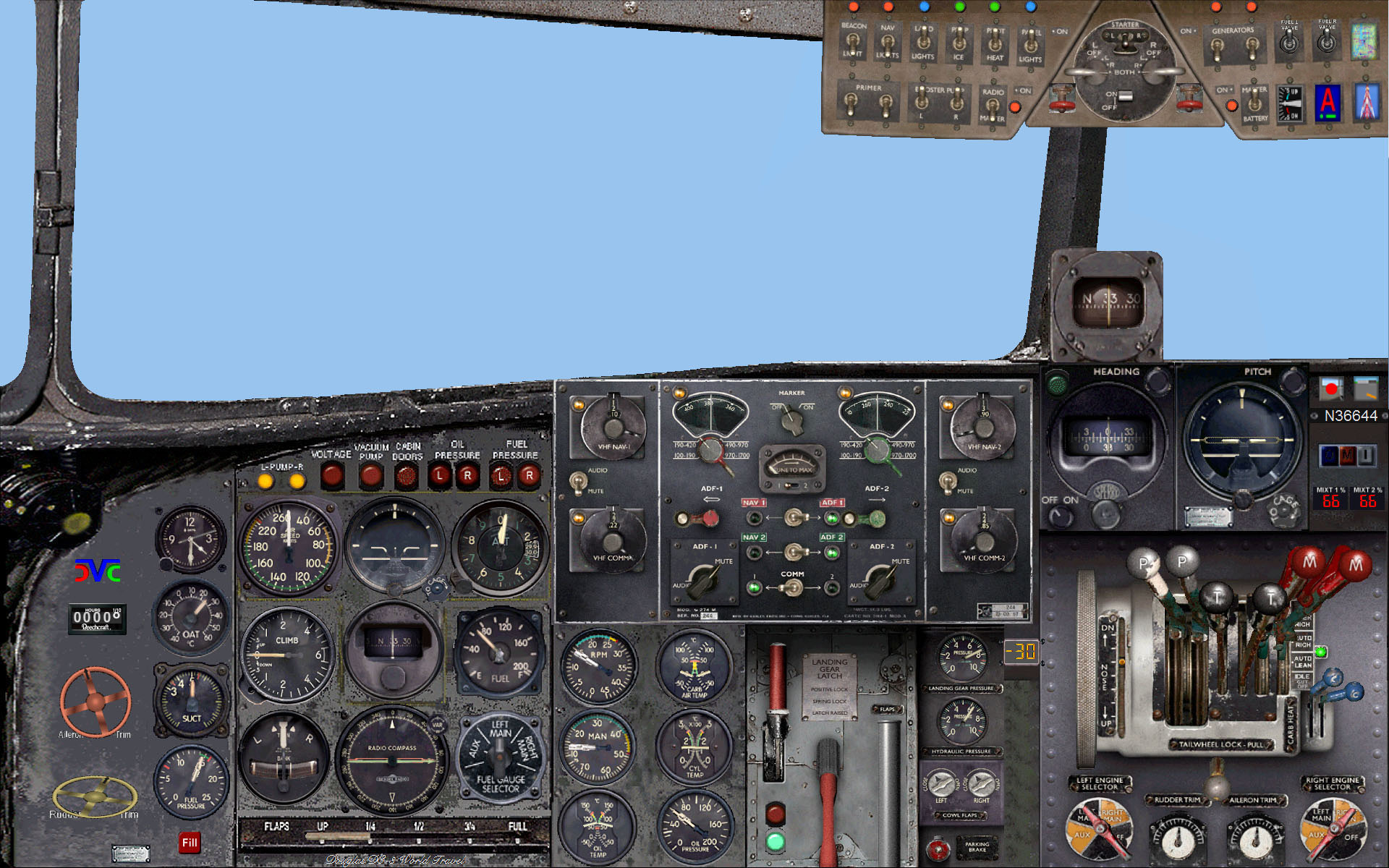
Douglas DC-3 “Dakota”                  Download

Another mess where just two - but very large - subpanels [Radio, Throttles] could not fit into the screen even using the whole of it. This is a fully redesigned panel based on a new background bitmap.  Shift-4 here toggles an enlarged view of the beautiful default Radios subpanel. Compatible with the recommended Auto-Mixture Throttle quadrant by Bitzer and Beaumont.


Short Empire Flying Boats            Download

This is a full redesign of the panel supplied by Jens B. Kristensen for his several excellent freeware Short Empire C-Class aircraft. The new panel uses the gauges supplied therewith, so rather than requesting the necessary permission to their authors, I am including here only a panel.cfg file and a new background bitmap. To use this panel you should first download from either www.avsim.com or www.flightsim.com and install Kristensen's s30*.* files. You may then use the present files instead of Kristensen's ones.

Modern Piston Props

Extra 300S                                           Download

The default design of this panel was good, so the minor changes are mainly minuscule resizings of most gauges in order to improve sharpness at resolutions 1024x768 and higher. Shift-2 toggles the the Radio stack - obviously not needed during aerobatics - and the joystick/surfaces mouvement checker.

Cessna C172SP “Skyhawk”        Download

Here FS2004 carries a default "IFR panel" with everything included . . . except the scenery view!
This new design restructures the lot so that it now fits into a standard panel window, with a new panel background, actually slightly smaller than the default "normal" panel. A Parking Brake lever has been added. All this has been achieved keeping the "central six" and the "NAV three" gauges in their original size, and with minimal reduction in the others, preserving however their sharpness.

Cessna C182S “Skylane”             Download

Same situation as for the C172 above and therefore essentially the same redesign. There are a few minor changes as needed, the only noteworthy one is that this aircraft has one gauge more, which we placed instead of the C172SP's clock: so a smaller clock is used here, now placed on the upper rim. As always, find full details in the panel's text file.

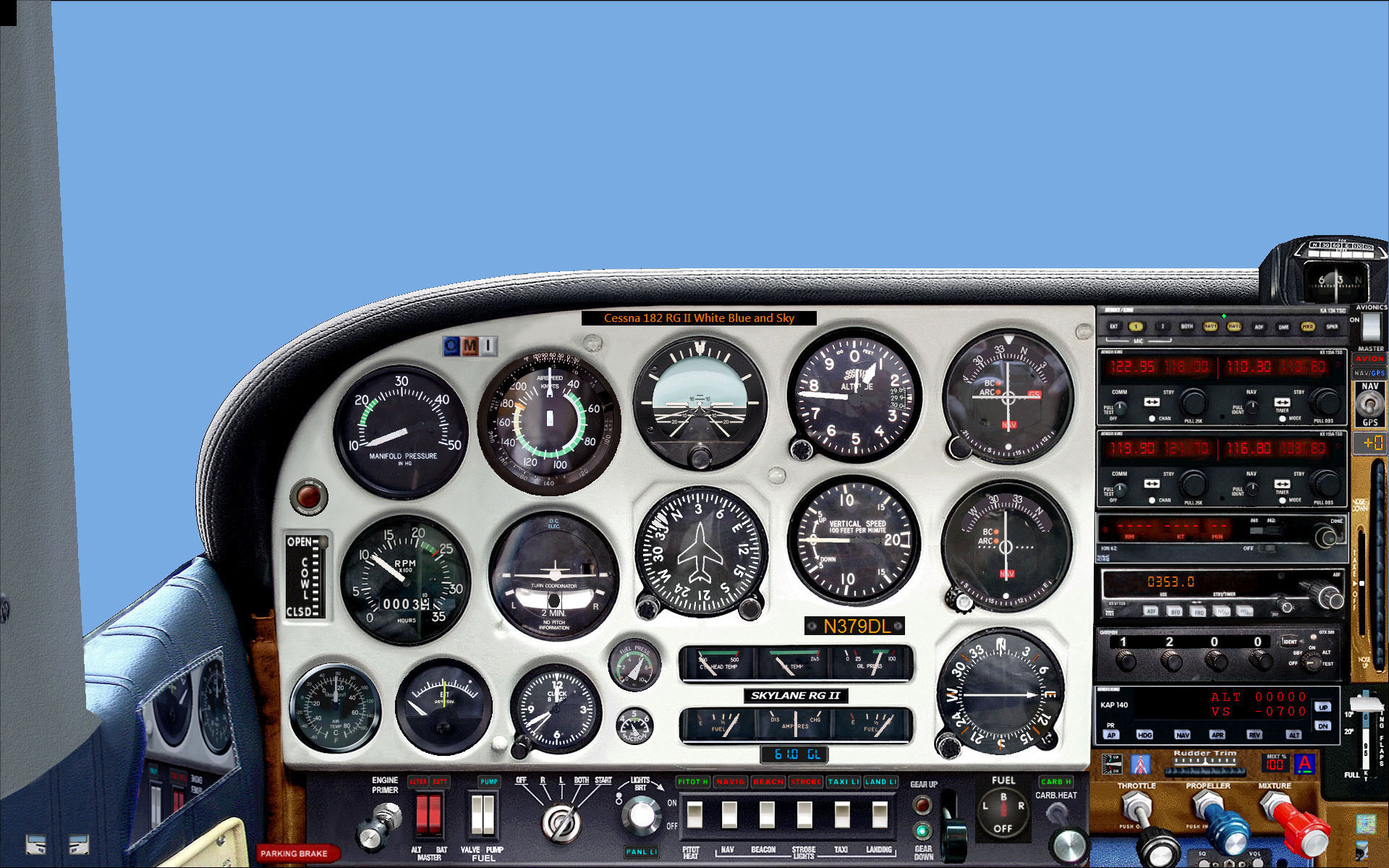
Cessna C182RG “SkylaneII” by Carenado            Download

New 2D panel for users of this excellent payware addon reviewed in PC FLIGHT, Vol.11 No.2, pp.42-44, which you need to have installed before you install this panel. All the gauges are now included in the main panel and a few more added as needed. Note: by downloading and installing this panel you indicate that you own a legal copy of the "Cessna 182 Skylane II RG" by Carenado.

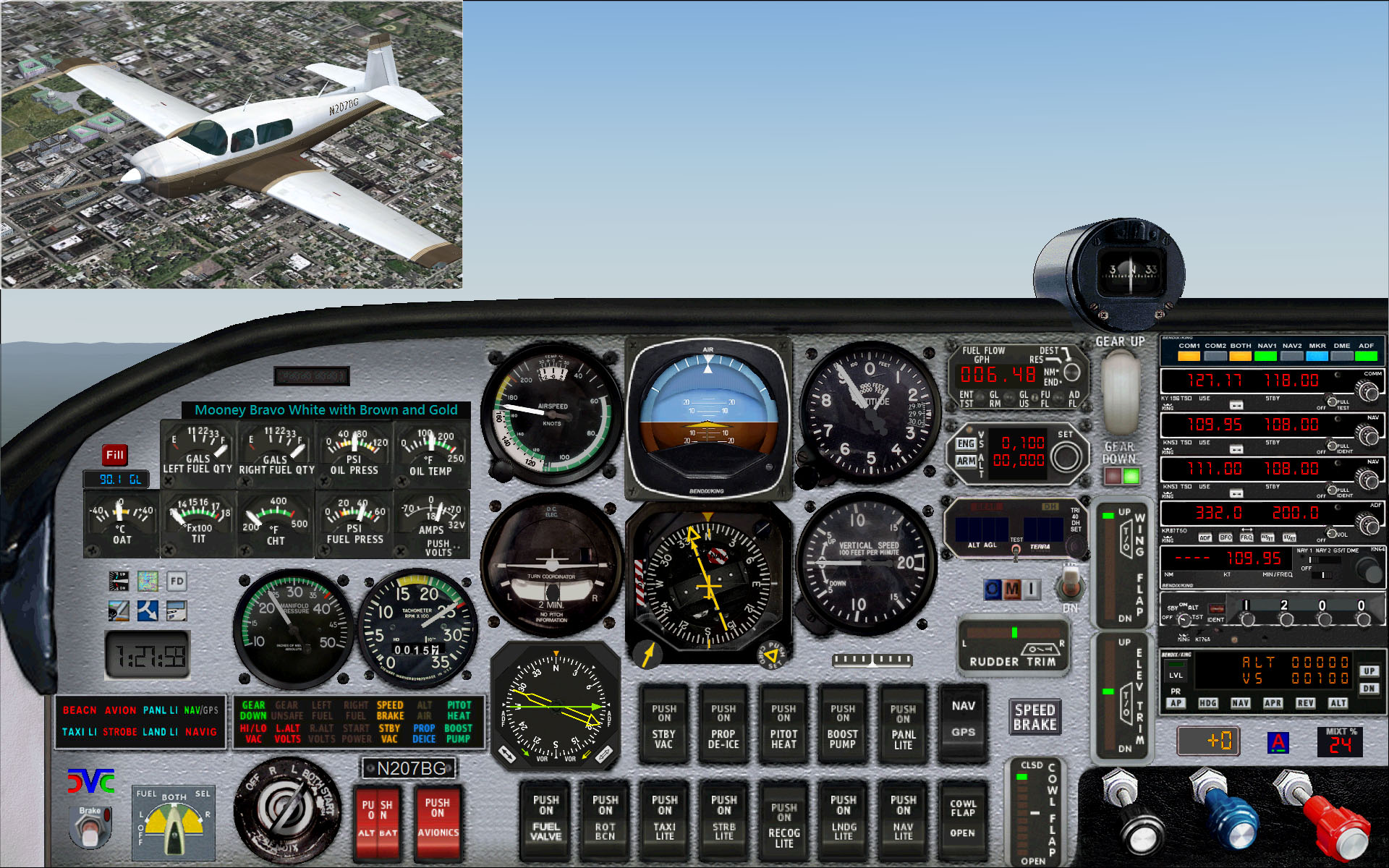
Mooney M-20M/TLS “Bravo”      Download

Here also the default "IFR panel", once the switches and annunciators are added, leaves zero external visibility! This new design fits it all into a standard panel window, with a new background, actually slightly smaller than the default "normal" panel. All this has been achieved keeping many gauges with the default size and with minimal reduction to others.


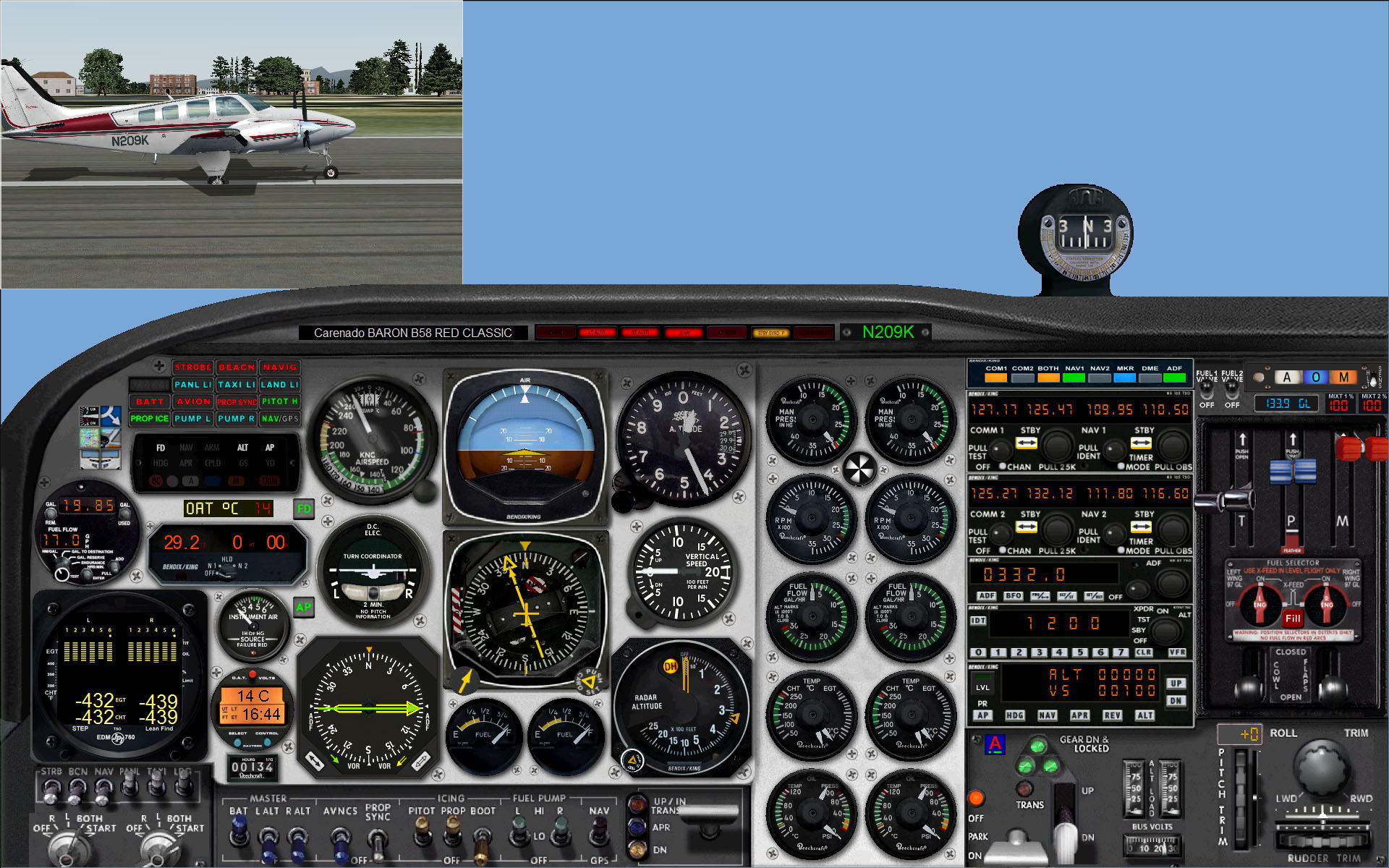
Beechcraft Baron 58                     Download

This redesign includes the default subpanels [Radio stack, Throttles quadrant and Compass] into the main panel. The small gauges - 10 engine and 2 fuel gauges - have been kept to the same size, and as usual the final scenery window is actually slightly larger than in the default panel. The background is a thorough redesign with both large-scale and subtle changes.


Turboprops, Jets, Sailplane

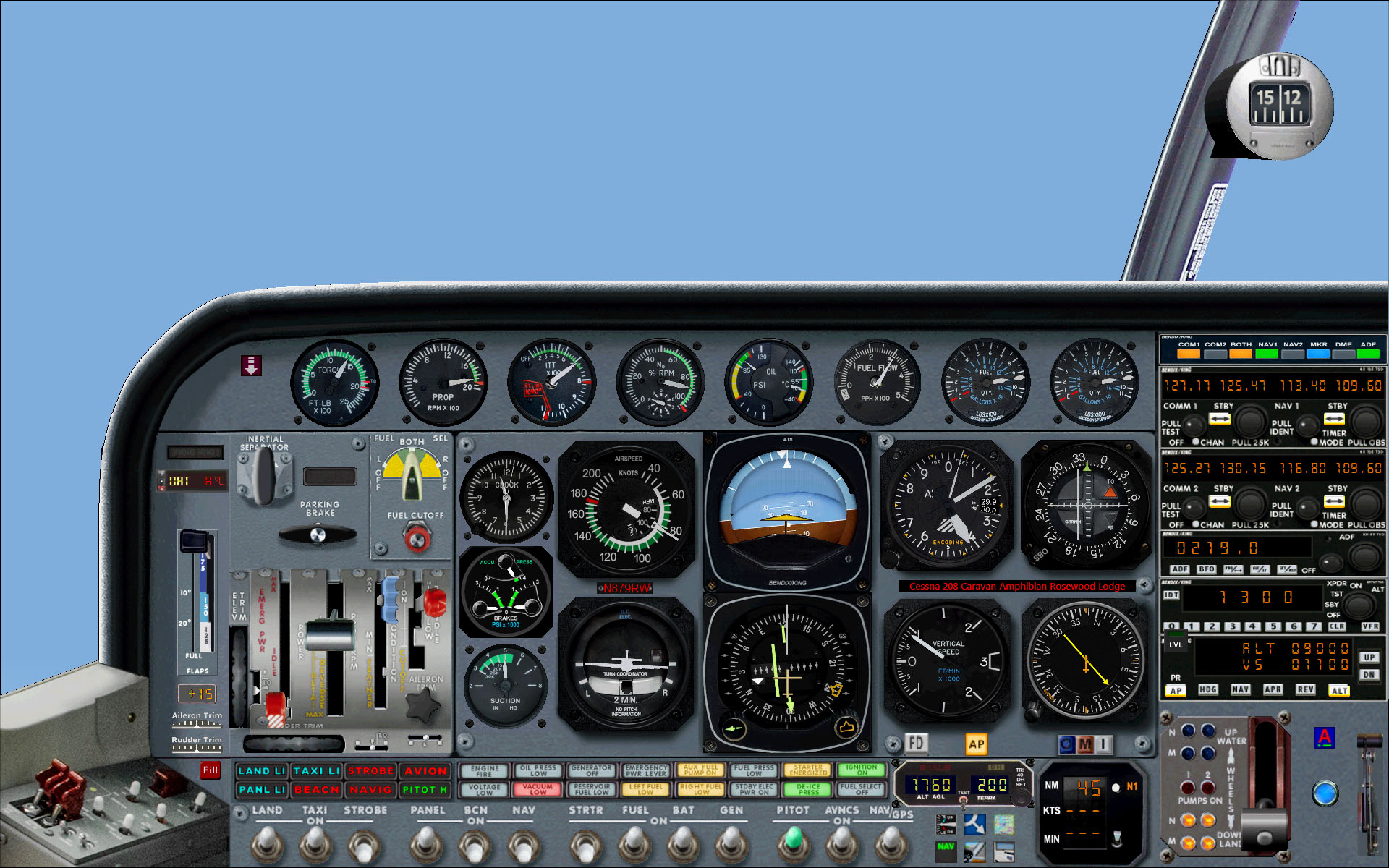
Cessna C208 Caravan Amphibian      Download

This design as usual includes all the default subpanels [Radio Stack, Annunciators, Throttles quadrant with Water Rudder and Compass] into the main panel. Most of the gauges have been kept to the same size or just slightly reduced. As always, the scenery window is slightly larger than in the default panel. The background is a full redesign including a number plate.

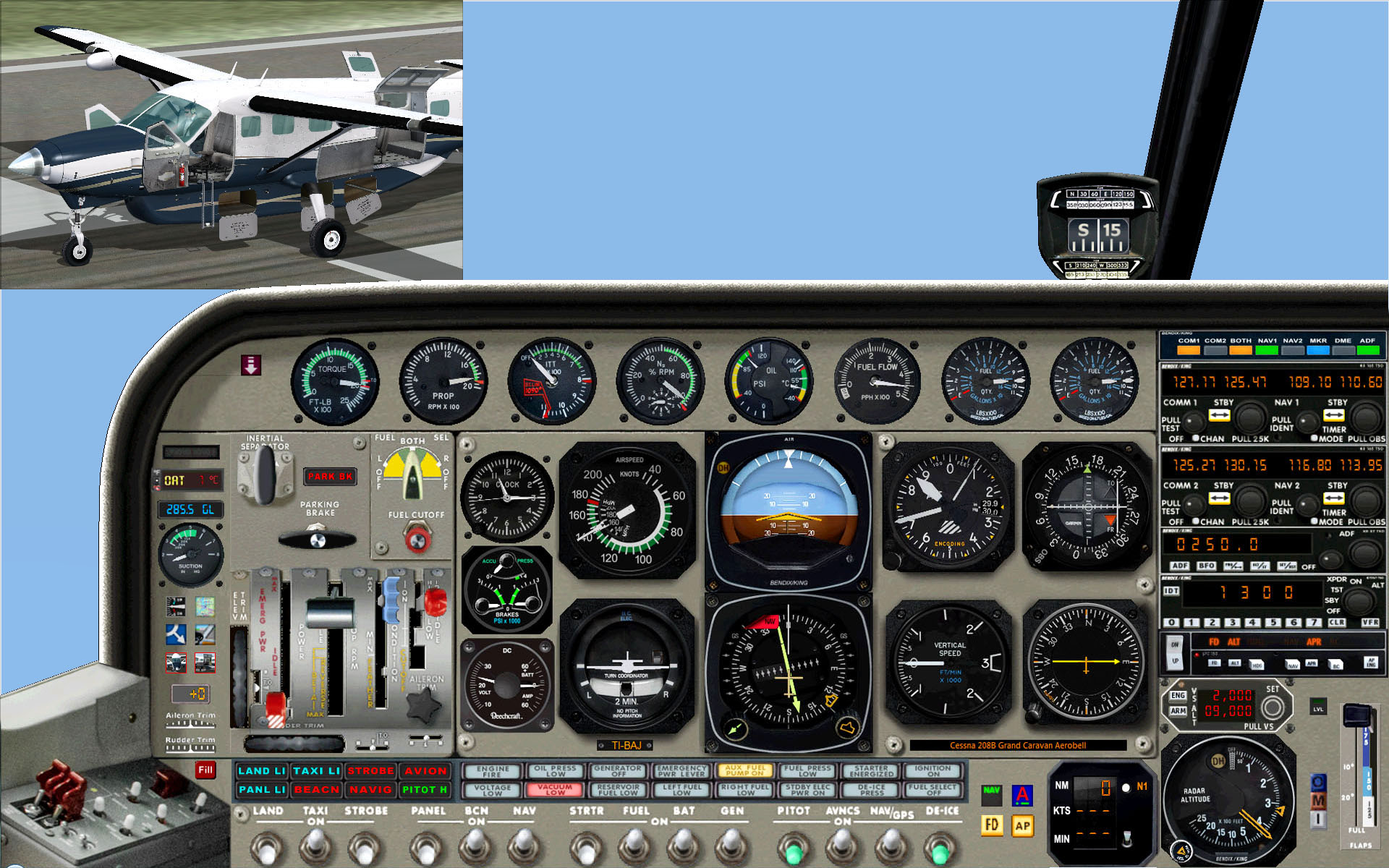
Cessna C208B Grand Caravan            Download

A redesign similar to the Amphibian one above.
The slight difference in the gauges - radar altimeter instead of the special water gear -
has allowed for a slightly smaller panel with a larger scenery view.

Beechcraft King Air 350                       Download

A full redesign, including into the main panel all the gauges in the default subpanels [Radio Stack, Annunciators, special pressure annunciators, Throttles quadrant and Compass]. A Panel Light Switch and a Number Plate are also included. The accurate shadows have been produced with a new technique, fully described in Cloudy's Tips.

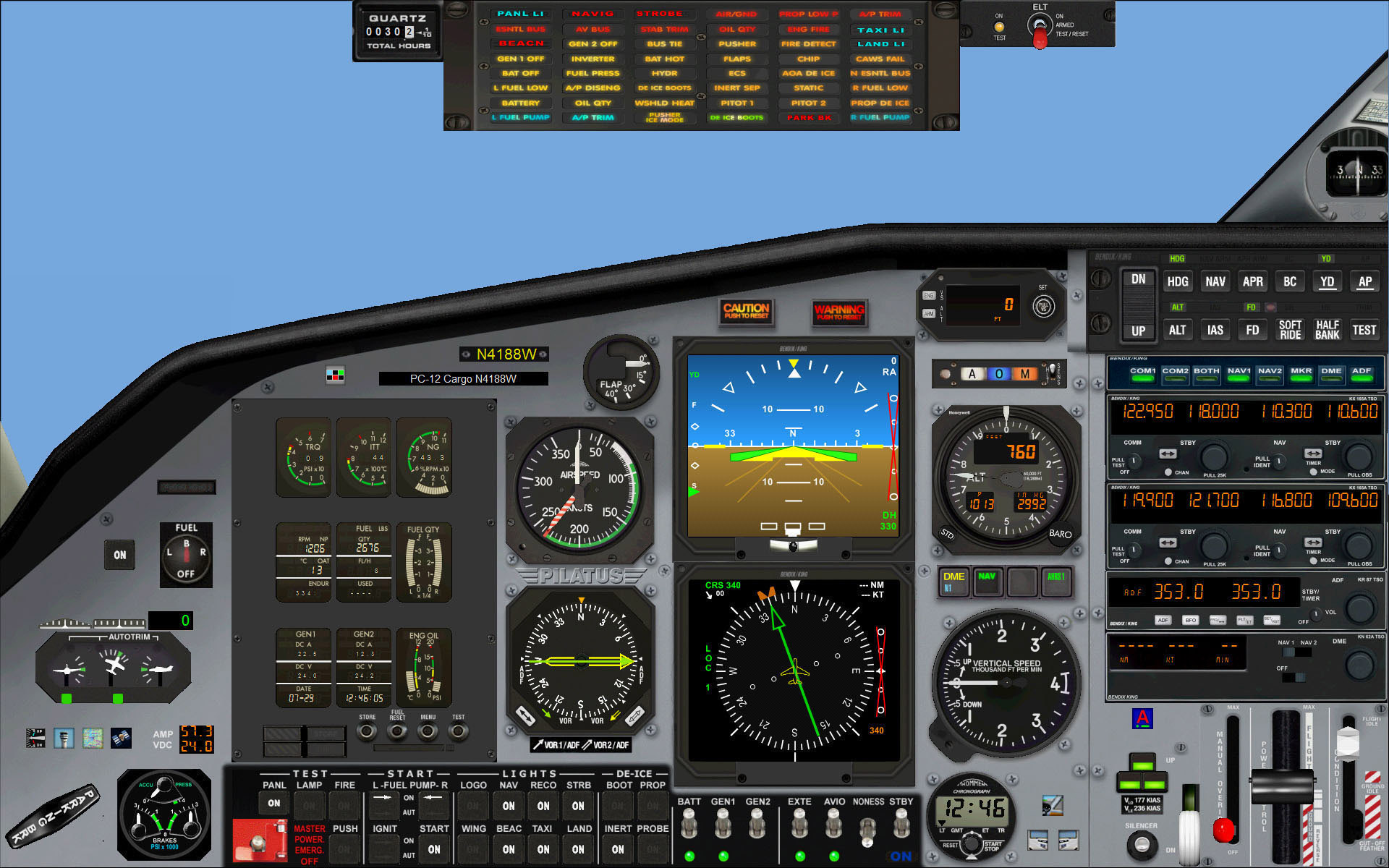
Bombardier Learjet 45                        Download

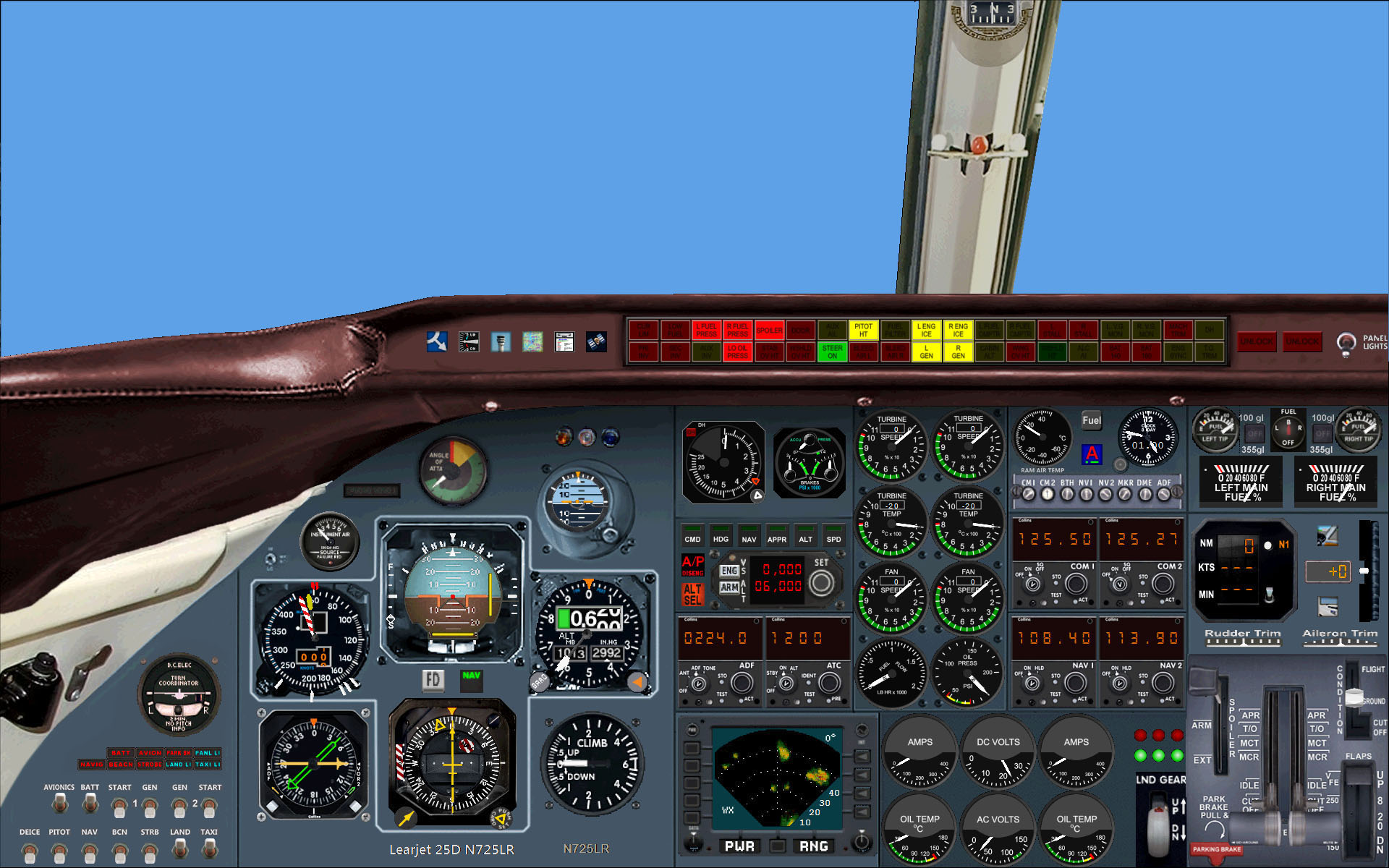
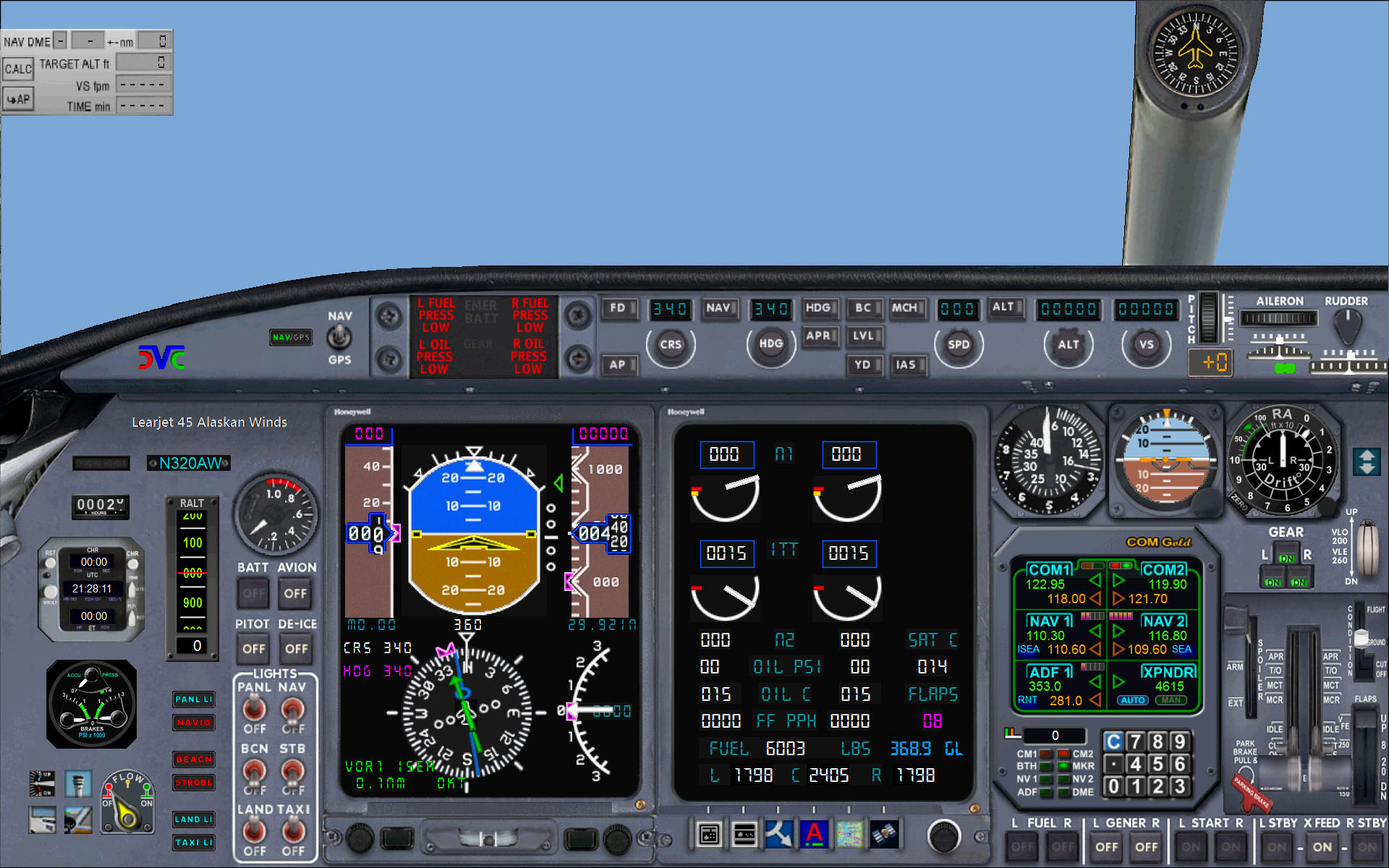
A redesign which, while keeping unchanged the sizes of all the original gauges in the main panel, includes now into it all the default subpanels [Annunciators, Throttles quadrant and Compass]. Further defective and missing original buttons and switches have been thoroughly revised and expanded with newly-created ones, included - as for other panels - in the revised Cloudy's gauge download.

Schweizer SGS 2-32 Sailplane         Download

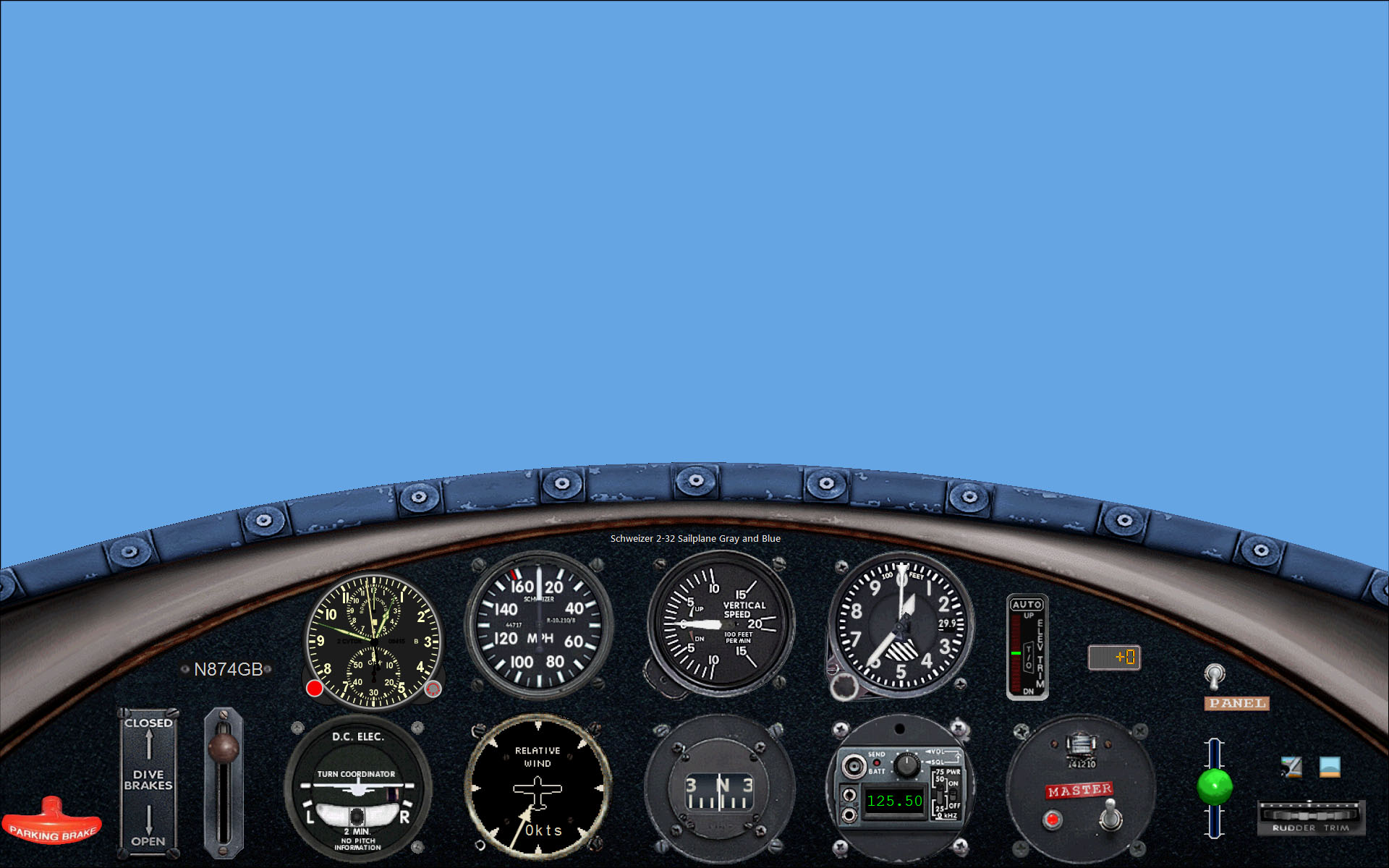
No subpanels problem here: just a few missing gauges. This panel looks much like the default one, yet there are actually eight(!) new gauges: a clock, elevator and rudder trims, an ATC ID plate, a turn coordinator, a custom-made panel light switch, a working red battery light and the DVC logo.


‡‡‡‡‡‡‡‡‡‡‡‡‡‡‡‡‡‡‡‡‡‡‡‡‡‡‡‡‡‡‡‡‡‡‡‡‡‡‡‡‡‡‡‡‡‡‡‡‡‡‡‡‡‡‡‡‡‡‡‡‡‡‡‡‡‡‡‡‡‡‡‡‡‡‡‡‡‡‡‡‡‡‡‡‡‡‡‡‡‡‡‡‡‡‡‡‡‡‡‡‡‡‡‡‡

Page last updated:   25-Feb-2009